


 Capture crisp, high-resolution scans in seconds
- Keep documents synced, organized, and easy to find
- Extract text instantly with built-in OCR technology
Enjoy iFax services at 50% off!
Your discount will be applied during checkout.
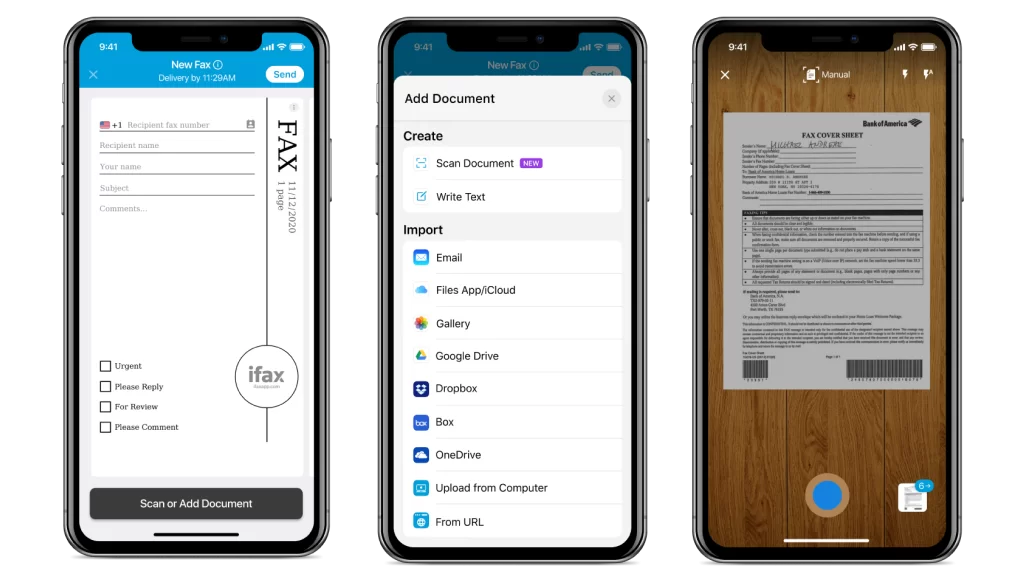
HOW TO SCAN WITH IPHONE
Instantly scan and convert paper documents into PDFs with your iPhone or iPad.
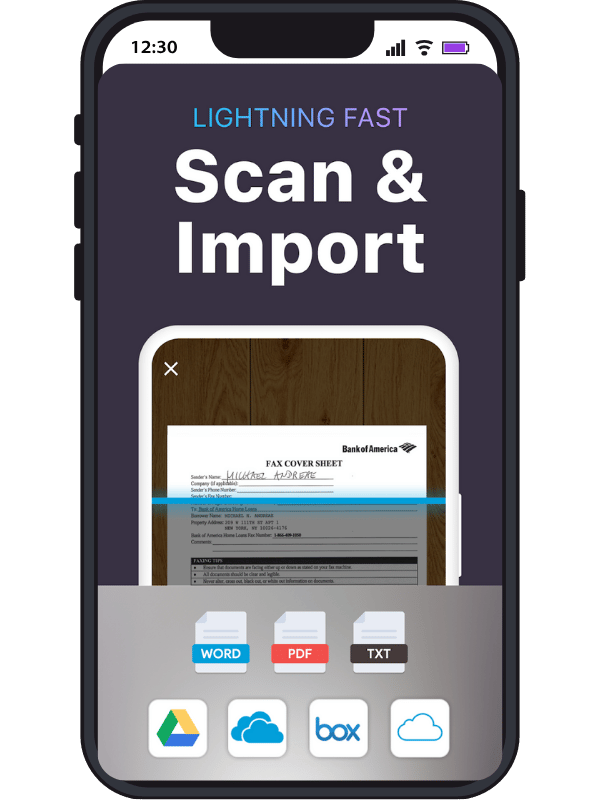
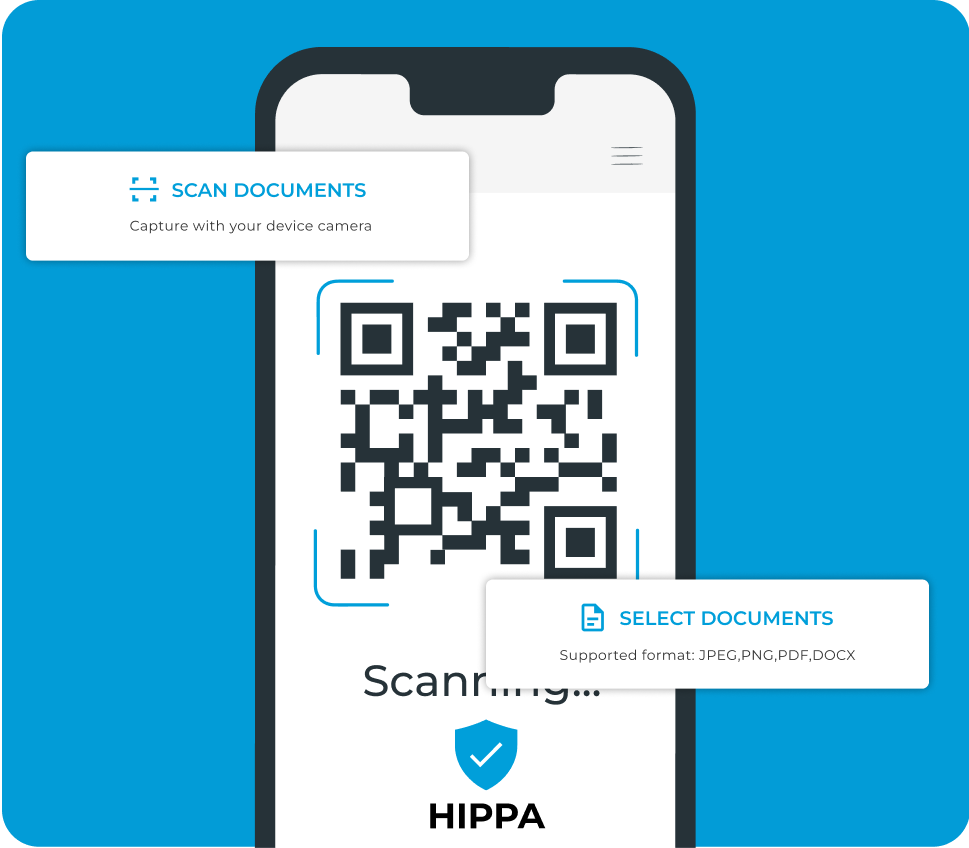
Turn your iPhone and iPad into a portable document scanner that fits right in your pocket.
With intelligent detection and autofocus, capture professional-quality scans of receipts, contracts, and health forms within seconds. No bulky and costly scanners needed.
Instantly save the scanned document as a PDF and share it via email or fax.
Use your iPhone to streamline workflows, send paperwork on the go, and reduce the hassle of manual file transfers.
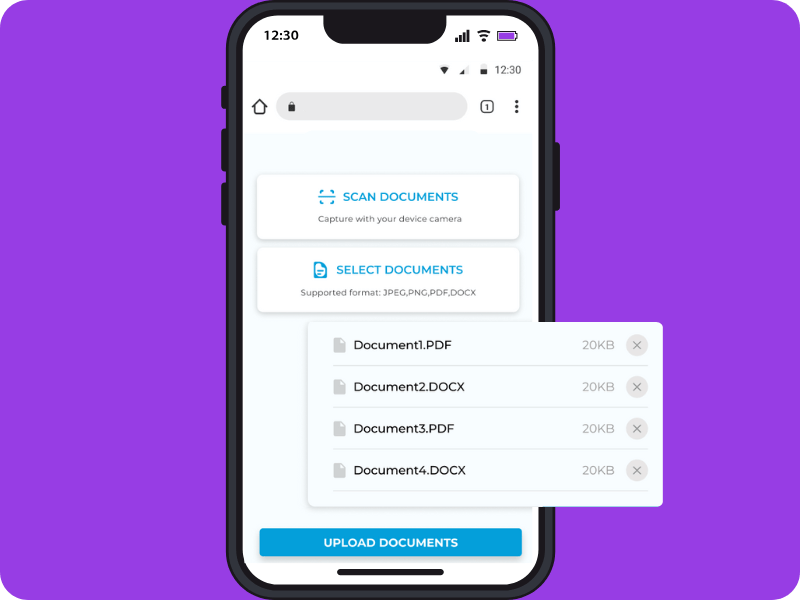
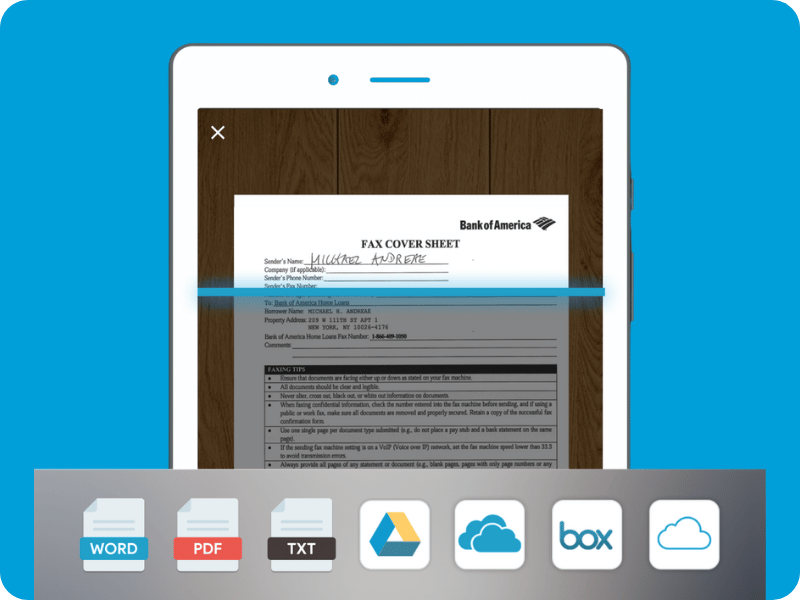

Ensure high-quality document scans that preserve text clarity and image detail.

Merge multiple scanned pages into a single PDF for easier sharing and downloading.

Sync and store your scanned documents safely in iCloud, Dropbox, or Google Drive for easy access.

Apply AI OCR optimization to summarize the scanned document or convert it to scannable text.

Add highlights, signatures, or handwritten notes before saving or sharing.

Send scanned documents securely and instantly as a fax without needing to use a physical fax machine.
To scan a document on your iPhone using its default Notes app, launch the app, tap the clipboard icon, and select “Scan Document.” The built-in iPhone camera will function as a scanner. It will automatically detect your paper document, capture it clearly, and let you save or share it as a digital file (e.g., PDF).
Yes. After scanning, tap Save, and your iPhone will automatically create a PDF file of your document. You can then rename it, store it in Files or iCloud Drive, or share it directly through email, iCloud, or AirDrop for quick delivery.
Absolutely. Once scanned, you can crop, rotate, adjust color filters, or use markup tools to sign or annotate your document. If your scan includes text, the OCR (Optical Character Recognition) feature also lets you copy and edit the text content digitally.
Yes. The iPhone scanning feature works completely offline, allowing you to capture and store documents even without Wi-Fi or mobile data. An internet connection is only required if you want to sync your scans to iCloud or share them online.
Yes. You can scan and fax your document from an iPhone using a mobile faxing app, such as iFax, or similar services. Doing so allows you to fax signed documents, health forms, and business contracts directly from your iPhone, eliminating the need for a physical fax machine.