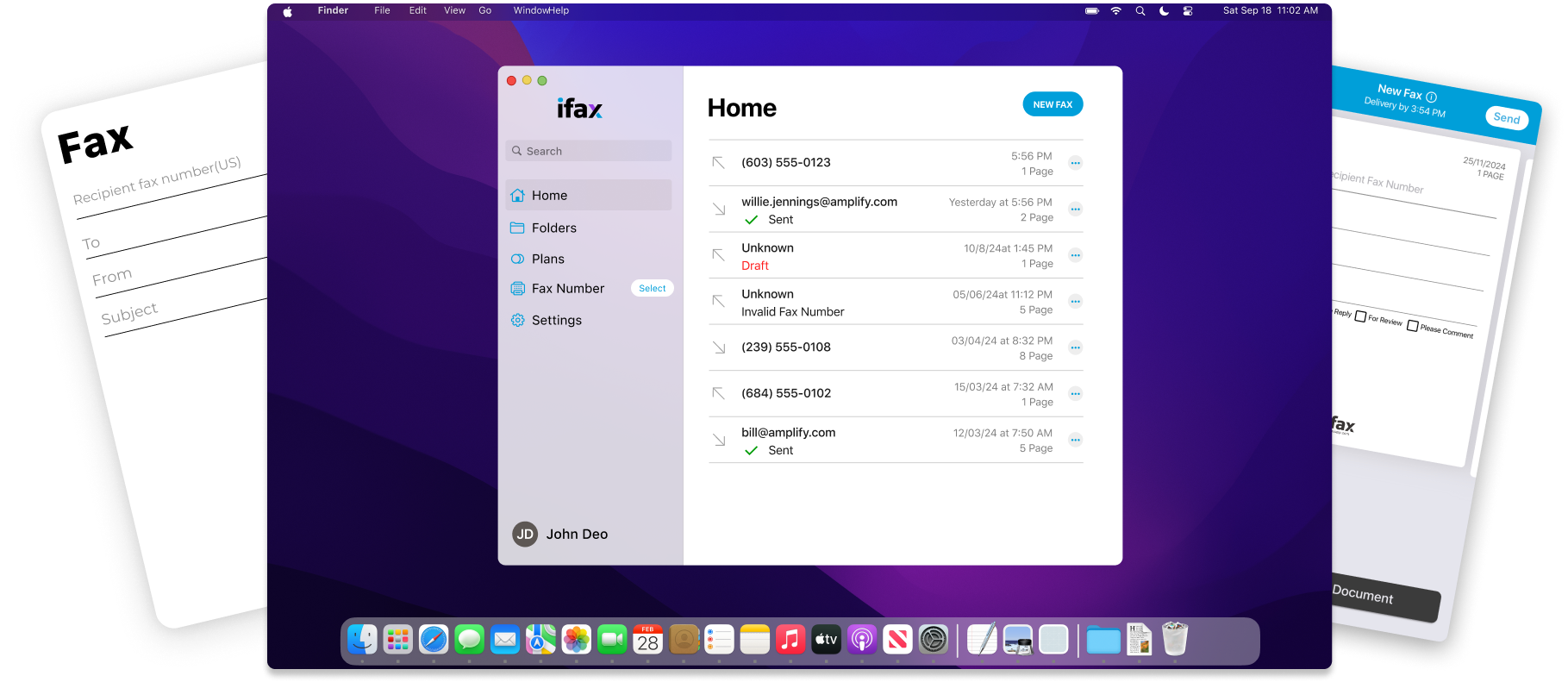
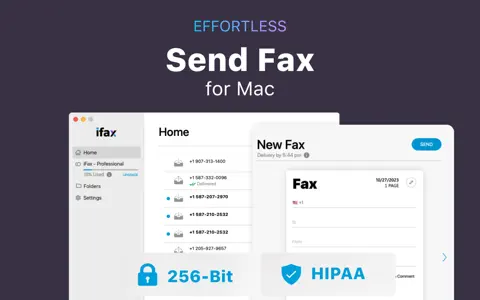
Send Fax from Mac
Send faxes from Mac without the use of a landline, modem, or paper. With iFax all-in-one solution, start sending and communicating to your global clients with a dedicated fax number.
Reliable Mac Fax App

Save money and eliminate the need for a fax machine. Avoid the hassle of other complicated setups. Download the iFax app for Mac and send faxes within minutes anywhere.

Unlimited Inbound Faxes
Receive unlimited faxes straight to your Mac computer and stay updated by email and Apple push notifications. You won’t have to miss any important fax from your customers ever again.
GLBA and HIPAA compliant

Store all faxes in one place securely using cloud syncing feature with our GLBA and HIPAA compliant fax app for Mac. iFax simplifies managing inbound and outbound faxes via a single dashboard.

Best Mac Fax Software

Transform your MacBook into a modern fax solution with fax software for Mac, which enables you to fax documents from your Mac computer using a secure internet connection.

AI-Powered Faxing

Automate document handling, reduce manual work, and improve accuracy. Learn how to fax from a Mac more efficiently using intelligent fax features that adapt to your workflow.

simple

User-Friendly

Simple interface for signing, sending, and receiving faxes.

secure-1

Secure

Faxes are encrypted with 256-bit AES to protect sensitive data.

smart

Real-Time

Push notifications for real-time updates on transmissions.

support

Dedicated Team

The support team will answer all concerns 24/7.

5_stars_service

Stellar Service

Fax at your convenience and stay productive.

paperless-1

Web Interface

Access the web interface without installing the app.

easy_transition

Affordable

Pay for what you need at a low monthly cost.

confidential

Secure

Fax with confidence with 256-bit AES encryption.

Trusted by more than 5 million users, iFax has been servicing its loyal customers since 2008. Send, receive, sign, and fill fax cover sheets and track fax transmissions to ensure they were received. Use your Mac to fax and never waste another minute waiting on a printer or a fax machine again.
satisifed customers of ifax
5M+ Happy Users
send online faxes fast
20M+ Faxes Sent
ifax rating
4.8 Average Rating

Frequently Asked Questions About Faxing From a Mac

One of the most significant advantages of using an online fax solution over the traditional one is the cost. When you switch to online faxing, you will be able to save your organization a considerable amount of money.

For instance, there is no need to purchase and repurchase ink cartridges, toners, and reams of paper. All files and documents transmitted using online faxing come in digital format. Also, you do not have to invest in expensive equipment and hardware like a fax server. You can send faxes straight from your Macbook or iMac with the use of fax software. Online faxing is undoubtedly the more cost-effective solution in terms of sharing documents.

But you might be wondering, Can I fax from my Mac? With iFax, you absolutely can! Not only do we offer a downloadable fax app compatible with MacOS and iOS, we also offer a complete fax plan.

When you sign up with iFax, you will get your dedicated fax number so you can start sending a fax from Mac to any local or international number. You can also import files from cloud storage like Dropbox, Google Drive, and iCloud.

Sending a fax from Mac for is easy. You just need to download our fax app for Mac and create your own account to activate your trial. You can sign up using your email address or connect your Gmail, LinkedIn, Facebook, or Microsoft account. The signup process is so easy. 

Start your free trial today and start sending fax from Mac!

Contrary to popular belief, faxing is far from obsolete. Despite the abundance of more advanced document-sharing technologies, faxing remains one of the most reliable tools trusted by big industries like healthcare and legal.

In recent years, faxing has undergone a major facelift. Modern technological advancements have breathed faxing a new life. Nowadays, you don’t even need a fax machine to transmit documents to your clients and colleagues.

For Mac users, you can now conveniently send faxes straight from your Macbook, iMac, or Mac Mini using iFax. iFax’s desktop app for Mac simplifies your faxing process.  This fax utility operates much like an email service, but with the added security and documentation benefits of traditional faxing.

We also boast a simple yet intuitive interface that promises a seamless faxing experience. Sending a fax using your Mac is as easy and quick as sending an email. Aside from our modern interface, we also have a suite of top-rated features designed to increase your efficiency and productivity. You can take advantage of our fax broadcasting capabilities that allow you to send a single document to multiple recipients all in one go. You can also integrate iFax with your other applications to maximize their uses.

To send fax from Mac, all you need to do is download our fax app from App Store and install it on your computer.  It only takes a few minutes to get it up and running and requires very little technical skills. Once it’s installed, you can create your own account with iFax to get you started. You can enjoy our time-limited trial or start a Plus plan with prices that start at $16.67.

Faxing has evolved so much, especially in the last few years. Back in the day, traditional faxing involves multiple steps and requires a couple of additional equipment, including, but not limited to, fax machines, document scanners, fax modems, and fax servers, to name a few. As you can imagine, it’s not so much a simple and straightforward process. And it is precisely for this reason that faxing slowly lost its former glory.

But with the introduction of online or digital faxing solutions, this document sharing method is starting to gain steam among businesses and organizations again. Nowadays, faxing is more convenient and accessible than ever. You can now send a fax from Mac without a modem or phone line. There’s no complicated setup, and you do not have to invest in expensive machines or equipment.

So long as you have a stable internet connection and a reliable online fax service provider, you can turn your Mac computer into a powerful and portable fax machine. When you download a feature-rich fax app for Mac, you can fax anywhere at any time.

When it comes to an online fax software fit for MacOS, iFax remains a top choice trusted by millions of users worldwide. With iFax’s all-in-one faxing solution, you can send and share documents using a dedicated fax number without needing a phone line. You can get your own fax number when you sign up with iFax, but you also have the option to port a fax number if you already have an existing one.

The best way to fax from a Mac is to use a secure online fax service or dedicated Mac fax software. Instead of relying on outdated hardware like fax machines or phone lines, a modern Mac fax app like iFax allows you to send and receive faxes directly from your MacBook or Mac computer using an internet connection.

With online fax software for Mac, you can upload documents, enter a fax number, and send faxes in just a few clicks. This approach is faster, more reliable, and ideal for business and professional use, particularly if you require features such as PDF support, audit logs, encryption, and cloud storage.

This method is the most efficient solution for anyone asking how to fax from a Mac or whether they can fax from a MacBook without additional hardware.

As online faxing continues to rise in popularity, many companies have introduced fax software for Mac users. Choosing one that best fits your needs can be a bit daunting with the sheer number of choices available. We’re here to simplify your search.

So what is the best fax app for Mac that’s compatible with any of your Apple computers, whether you use a Macbook, iMac, or Mac Mini? iFax developed the first-ever fax app, making them the pioneer. Shortly after we launched our fax app, we were met with an overwhelming reception from many users looking for a quick and easy way to send faxes without needing a fax machine. We continued developing and improving our app and made it available to other platforms such as MacOS to allow our users to fax from Mac computers.

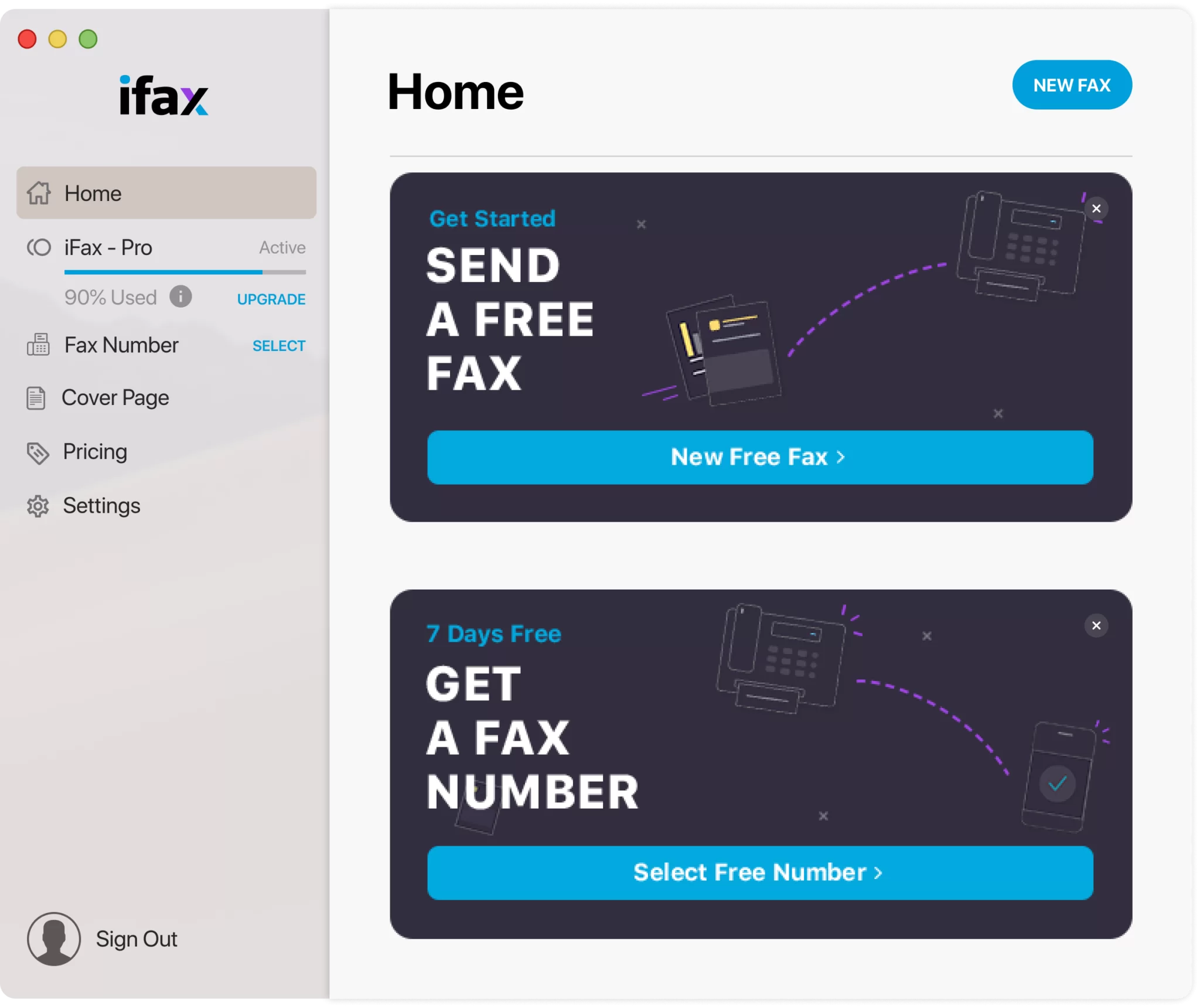
To date, iFax offers a comprehensive suite of useful features to ensure a seamless faxing experience for our users and clients. When you sign up with iFax, you can start our trial with no strings attached to experience our service and fax from Mac. You can also get full access to premium features such as fax broadcasting, fax OCR, and fax API.

What makes iFax one of the best fax apps for Mac is that it puts great importance on the safety and security of your data. To reduce the risk of breaches and data theft, iFax uses military-grade 256-bit encryption. iFax also complies with the rules and regulations set forth by HIPAA and GLBA.

The best online fax service for Mac is one that offers a dedicated macOS-compatible interface, strong security standards, and seamless document handling. A high-quality MacBook fax app should enable you to fax from a Mac computer using either a web browser or a native app, while supporting standard file formats such as PDF, Word, and images.

When evaluating fax software for Mac, look for features such as:

  • Easy PDF upload and preview
  • Cloud-based access from any MacBook
  • Secure encryption and compliance support
  • Integration with email or cloud storage

These features ensure a seamless fax experience on Mac and eliminate the need for traditional fax machines.

Yes, you can fax a PDF from a Mac using online fax software or a Mac fax app. Most modern fax solutions can process PDFs directly, making it easy to send contracts, forms, and signed documents from your MacBook.

To fax a PDF from a Mac:

  1. Open your chosen Mac fax software or online fax service.
  2. Upload the PDF file from your Mac computer.
  3. Enter the recipient’s fax number.
  4. Send the fax securely over the internet.

Faxing PDFs from a Mac is one of the most common reasons users search for how to fax from a Mac, as PDFs are the standard document format for business and legal communications.

Yes, you can use your MacBook as a faxing machine by using an online fax service or Mac fax software. While modern MacBooks no longer support traditional phone-line faxing, online fax platforms entirely replace the need for physical fax machines.

With a MacBook fax app, you can send and receive faxes, manage fax history, and store documents digitally. This approach is also ideal for users asking, “Can I fax from my MacBook?” or “How can I send a fax from my Mac for free?” since many services offer free trials or limited free faxing options.

Using your MacBook as a fax machine provides greater flexibility, mobility, and cost savings compared to traditional fax setups.

Arrow-up