How to Fax Online

What Is Online Faxing?

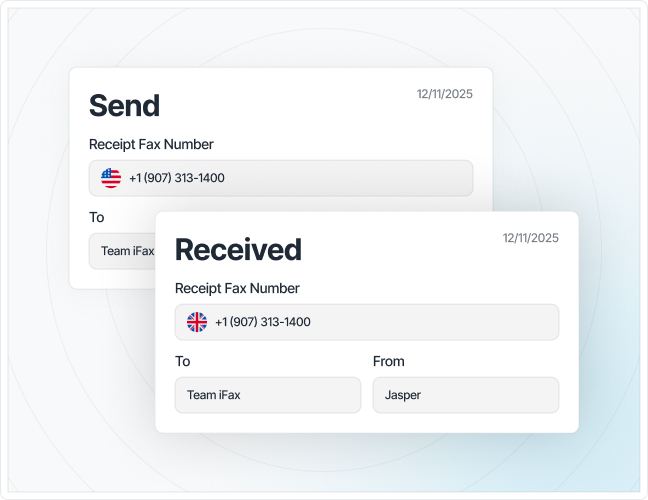
It’s when you send and receive faxes online rather than over a phone line. Your document is uploaded to an online fax service (e.g., iFax), converted into a fax-compatible format, and transmitted digitally. Or, if you’re receiving, it’s delivered straight to your email or fax inbox.

Do you need a fax machine?

No. Online faxing works through a computer, mobile phone, or tablet with an Internet connection. You don’t need a fax machine or a telephone.

How does it actually work

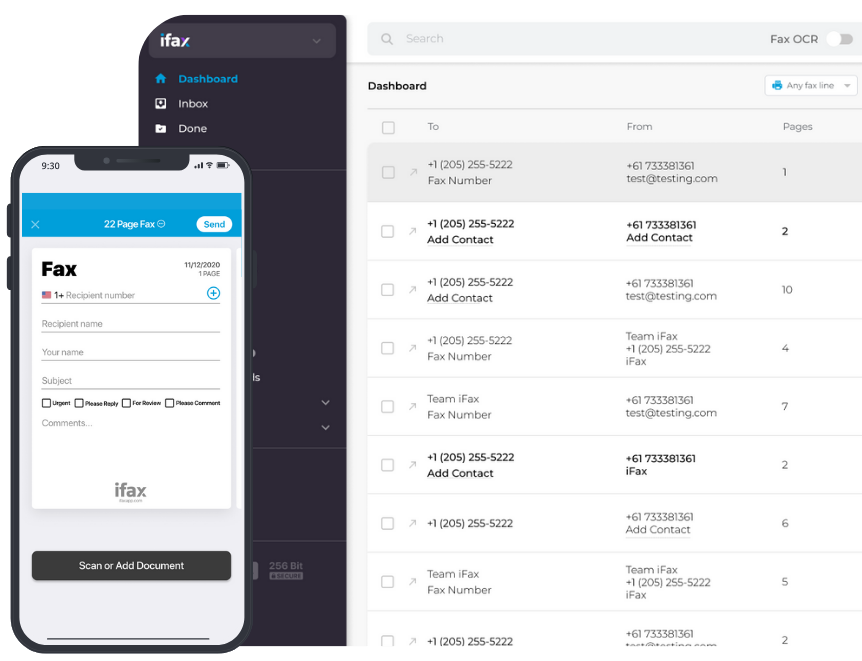
Your document is converted to a fax-ready format and then sent via the service’s servers to the recipient’s number. Incoming faxes are delivered to your assigned online fax number and routed to your email or dashboard as a digital file.
How to Fax Online

The Complete Guide to Sending and Receiving Faxes Online

How to Fax Online in 3 Easy Steps

To fax online from a computer or any device takes only a few steps, and you don’t need a fax machine or a phone line to do it.

How to Fax Online

STEP 1

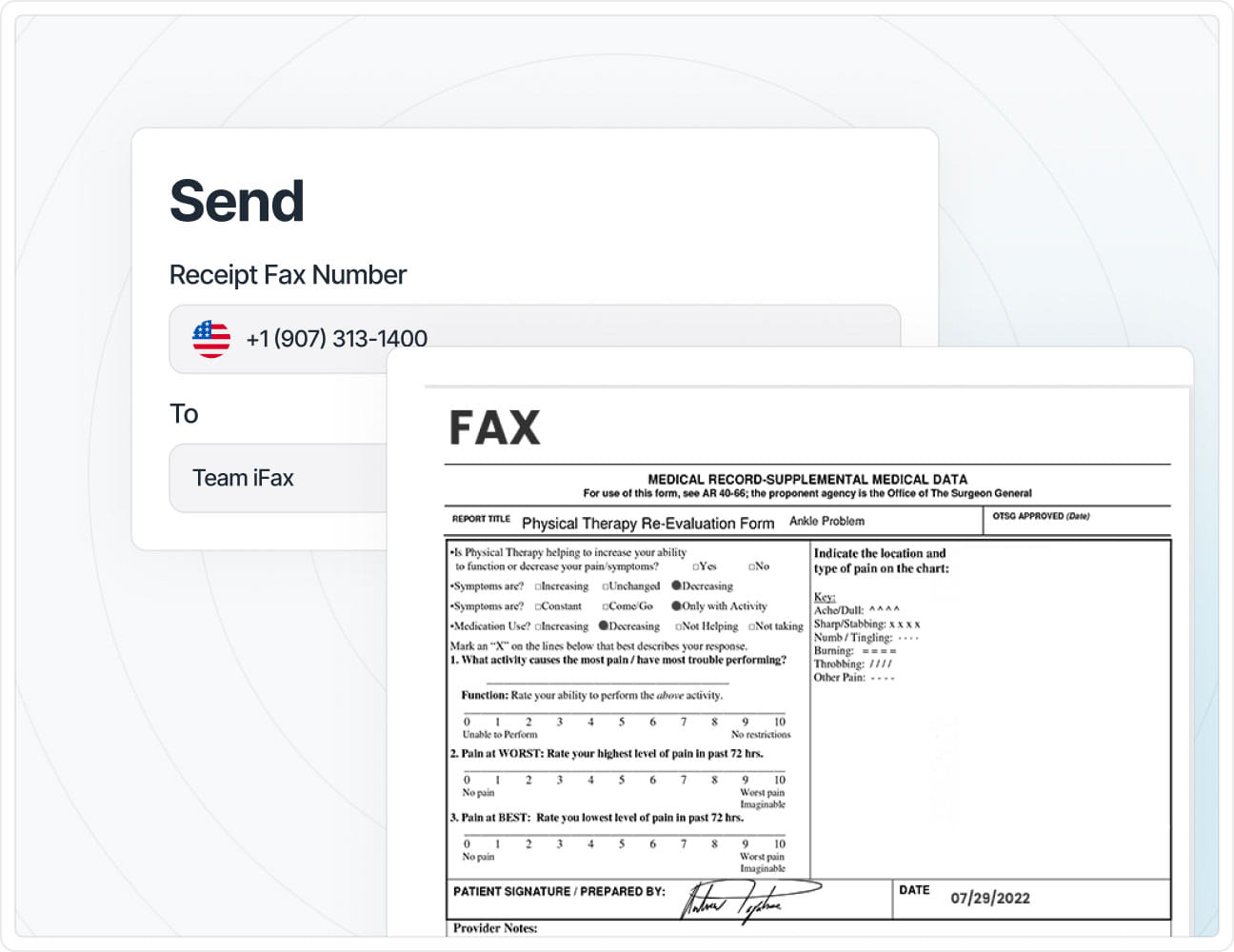
Enter the recipient's fax number

Add the fax number of the person or business you’re faxing. Most online fax services accept both local and international numbers.

STEP 2

Upload your document

Attach the file you’re faxing. PDF, DOCX, DOC, or image (JPG or PNG) files are typically supported. If the information is sensitive, it’s good practice to include a cover sheet.

STEP 3

Submit and confirm

Complete the fax and wait for a delivery confirmation. It’s usually delivered to your email or shown in your online dashboard within a few minutes.

How to Receive a Fax Online

Receiving a fax online works much like getting an email. Once you’re all set up, faxes land directly in your inbox or dashboard, with no machine or paper involved.

STEP 1

Get an online fax number

Sign up for an online fax service (e.g., iFax) and get a dedicated fax number (local or toll-free). This is the number people use to reach you.

STEP 2

Receive faxes to your email or inbox

Incoming faxes are automatically converted to a digital file (usually PDF) and delivered to your email or your online fax dashboard. No action is required on your end.

STEP 3

View, download, or forward

Open the fax directly from your inbox, save it to your device or cloud storage, or forward it to someone else, all without printing.

How to Fax Online

How do you know if a fax was received

A confirmation notice will appear in your email inbox or dashboard almost instantly, showing the sender’s details and a timestamp.

Common issues when receiving faxes online

  • Fax not arriving: Check if your fax number is still active and correctly shared with the sender.
  • Delivery delays: Usually happen with large files or attachment format issues. Try re-sending as a standard PDF.
  • Faxes going to spam or the wrong folder: Check your inbox filters or app notification settings.

Free Ways to Fax Online

You don’t always need a paid subscription to fax online.

Here are three ways to do it for free:

1. Sign up for a free trial

Most online fax providers offer a free trial period (typically 7–30 days) with a set number of pages included, enough to fax documents from a computer or phone without paying.

2. Use a one-time free fax service

Some services let you fax for free, no account needed. Ideal for quick, one-time faxing.

3. Stick to a free tier plan

Select providers offer an ongoing free plan with a capped number of pages per month, suited for light, recurring personal use.

ways to fax online for free

📝 Limitations to know about

Free options typically cap page counts, may not include a permanent fax number, and often lack the security certifications needed for sensitive documents.

💡When it's time to upgrade to a paid plan

If you’re faxing online regularly or in high volume, need a dedicated fax number, require HIPAA/GLBA compliance, or want team features like shared inboxes and automation, upgrading to a paid plan is the best option.

Choosing an Online Fax Method: Which One Fits You?

how to choose an online fax method

The best way to fax online depends on:

  • How often you fax
  • What device you’re using
  • How sensitive your documents are

If you need to fax online from computers synced with other devices, a cloud-based fax service is the better choice.

For regular business use, a paid plan with a dedicated fax number saves time over one-time free faxing. Sensitive documents require HIPAA/GLBA-compliant encryption, while high-volume faxing needs features such as fax broadcast, shared inboxes, and automation.

How to Fax Online — Frequently Asked Questions

How to Fax Online
Not getting the answer?

Yes. You can send an online fax from computers, laptops, tablets, and phones. This method uses your device’s Internet connection instead of a landline, without a fax machine.

Sign up with an online fax provider like iFax, and you’ll be assigned a dedicated fax number (local or toll-free) during setup, ready to receive faxes immediately.

You will receive a confirmation in your email or dashboard notifying you of the successful fax delivery. If you’re sending the fax online from a laptop or tablet, you can also track its status in real time from your account.

Yes. If your online fax service supports Email-to-Fax, you can configure your account to forward incoming faxes directly to your inbox.

Yes. Most online fax services let you fax straight from your browser, no app or software install required, whether you’re using a computer, laptop, or tablet.

Most online fax services support common formats like PDF, Word documents (.doc/.docx), and images (JPG, PNG). Incoming faxes are typically delivered as PDFs regardless of the original format sent.

Start Faxing Online in Minutes

iFax easily sends and receives faxes online. No fax machine. No phone line. No waiting around.

Arrow-up