Yes, you can get a traditional landline phone service without Internet. In 2026, cellular-based home phone plans start at $9.99 a month, and traditional copper lines cost about $50 to $50 a month, where they are still sold. For businesses, the right choice depends on what the line has to support, such as fax, alarm monitoring, medical alert devices, or outage backup.
Price range at a glance: about $10 to $50 per month, plus a one-time equipment cost of roughly $100 on most cellular plans.
This guide compares five of the best options, explains when a business still needs a landline, and shows what to use when it doesn’t.
On This Page
How a Landline Works Without Internet
Landlines have supported businesses for decades, providing a reliable, high-quality voice service long before mobile and Internet-based alternatives became popular. They work by converting analog signals into electrical waves transmitted over copper wires.
The challenge here is that many carriers are retiring this copper network, making it increasingly hard for new customers to get traditional landlines.
While the future is clearly moving toward digital and wireless solutions, traditional landlines that work without Internet still serve a niche role where stability, security, and accessibility are top priorities.
Related Read: Are POTS lines going away? 2026 Copper Landline Updates
2026 Best Options for Landlines Without Internet
Below are the options we found that work without an Internet connection, ordered from lowest to highest monthly price. Pricing was checked against each provider’s own site and varies by address, plan, and promotion.
Monthly Price | One-Time Equipment | How It Connects | Approx. First-Year Cost* | |
US Mobile | $9.99 (annual plan) or $12.99 (monthly) | $110 base | Cellular | About $230 |
Ooma Telo LTE | $19.99 + taxes and fees | $99.99 promo (regularly $129.99) | LTE cellular | About $340 + taxes and fees |
AT&T Phone – Advanced | $45 + taxes and fees | $1 promo | Cellular (broadband optional) | About $541 + taxes and fees |
Community Phone | $45 flat rate | $99 base | Cellular | About $639 |
CenturyLink Home Phone | $50 + fees up to $4 | Varies | Landline-style, varies by address | $600+ |
*Our estimate: 12 months of service plus equipment, before any taxes and fees not already included in the price.
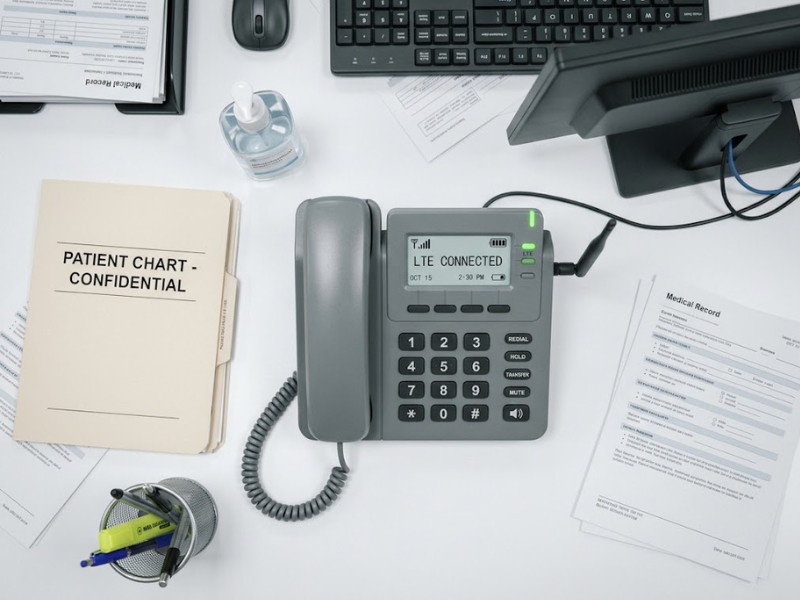
1. US Mobile
lowest monthly cost
US Mobile offers the lowest cost for a landline without internet. Starting at $9.99 monthly, including taxes, you get access to unlimited nationwide calls with crystal-clear voice communications.
You can also connect multiple handsets to one phone number and enjoy free business features like spam blocking and usage analytics. To get started, you must purchase their phone base, which costs $110.00 (one-time fee).
Features:
- Unlimited nationwide calling
- International calls to 200+ destinations
- 24/7 human support
- Voicemail, caller ID, etc.
Cost: $9.99 per month on an annual plan; $12.99 per month on a monthly plan
2. Ooma Telo LTE
low monthly cost with battery backup
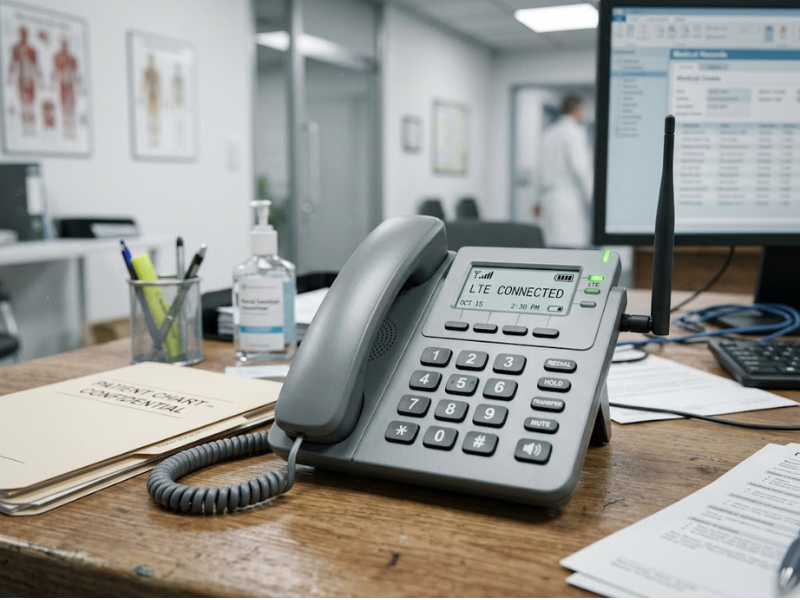
Ooma’s $0-per-month Telo plans need an internet connection. The Telo LTE is the model that doesn’t. It uses a built-in LTE cellular connection and includes battery backup for Internet access or power outages, making it a good fit for rural offices and remote locations.
Features:
- LTE connection, no Internet required
- Battery backup
- Nationwide calling
- Works with your existing landline
Cost: $19.99 per month, excluding taxes and fees. The Telo LTE device is $99.99 on promotion (regularly $129.99).
3. AT&T Phone – Advanced
cellular home phone from a major carrier
AT&T Phone – Advanced is a digital phone service that uses the AT&T cellular network, so no separate Internet plan is required. If you do have broadband, the device uses it by default and falls back to cellular when needed. It works with your current handset (excluding rotary and pulse phones) and supports up to six devices. AT&T says the service can also support lines for fax, alarm, and medical monitoring equipment.
The device is powered by electricity and includes a battery backup for 911 location detection. AT&T notes that this backup does not power connected devices, and cordless phones may need their own backup power.
Cost: $45 per month plus taxes and fees ($50 with international calling). Equipment is $1 on promotion, which AT&T lists as a $188 value; the offer can end at any time.
4. Community Phone
flat rate with a 3-year price lock
Community Phone is a great landline option for those without internet access. It offers unlimited local and long-distance calls, clear quality, and a quick setup. You can also keep your existing number or get a new one.
When you sign up, you get a Community Phone device, which you plug into an outlet and connect to your existing landline. The device is equipped with industrial-grade antennas that connect to nearby cell towers. It has a built-in backup battery to keep it running even during power outages.
Features:
- Unlimited nationwide calling
- Automatic robocall blocking
- Free number transfer
- 26-hour battery backup
- No contract and a 30-day money-back guarantee
Cost: $45 per month flat, with a 3-year price lock, plus a $99 one-time fee for the base.
5. CenturyLink
standalone home phone at a higher price
If you want a traditional analog landline, CenturyLink still sells standalone home phone service without an Internet bundle. A basic line costs $50 per month, so expect to pay more than you would for cellular options. CenturyLink also adds fees of up to $4 per month per line, and paperless billing is required.
Bundling the phone with Internet saves $10 a month off the combined price, but then you are paying for Internet you may not want. Bundles start at $95 per month with Simply Unlimited Internet and at $115 per month with fiber, where available.
A few cautions apply. Standalone availability depends on your address, so confirm which product is offered where you are. In Iowa, CenturyLink began notifying customers in August 2026 that it is phasing out copper landlines. For customers who want a traditional landline experience, it offers Connected Voice with Air-Line, which CenturyLink says keeps your existing number and handset and supports 911 calling and medical alert systems. CenturyLink also says its home phone service needs electricity, so you would need its battery backup unit to keep the line working in an outage. Copper service elsewhere may not be supported long term.
Cost: $50 per month for unlimited nationwide calling, plus fees. International calling costs extra; confirm current rates with CenturyLink.
When Businesses Still Need a Landline
Businesses still need a landline when equipment on the line can’t run over VoIP or cellular: fax machines, alarm panels, and medical alert devices. Healthcare practices and teams planning for outages often keep one too. Check each before you cancel a line.
Fax machines need an analog line
Fax over VoIP or cellular can be unreliable. This is the top reason to keep a landline and the easiest to remove, since online fax needs no phone line.
The line type doesn’t make a fax HIPAA compliant
Safeguards do. Clinics, laboratories, and pharmacies still exchange referrals, records, and prior authorizations by fax. Look for delivery tracking, audit trails, access controls, and availability of a business associate agreement. Cloud-based healthcare fax platforms like iFax support HIPAA-compliant workflows, but no software alone guarantees compliance.
Some medical alert and health monitoring devices plug into a phone jack
Confirm compatibility with the device maker. AT&T says Phone – Advanced can provide lines for medical monitoring. For other providers, it’s best to verify first.
Older alarm panels may dial out over a phone line
Newer ones use cellular or Internet communicators. Ask your alarm company whether your panel works with the replacement service before you cancel.
A corded phone on a working copper can run without local power
Cordless, VoIP, and fiber phones generally can’t function without battery backup. Treat a landline as one layer, alongside mobile failover and cloud tools you can access from anywhere. Keep the line your equipment requires and move the rest.
Fax is the easiest to modernize first.
Benefits of Traditional Landline Phone Service
Despite mobile and VoIP phones’ popularity, many businesses still use traditional landlines as a backup system. Here’s why:
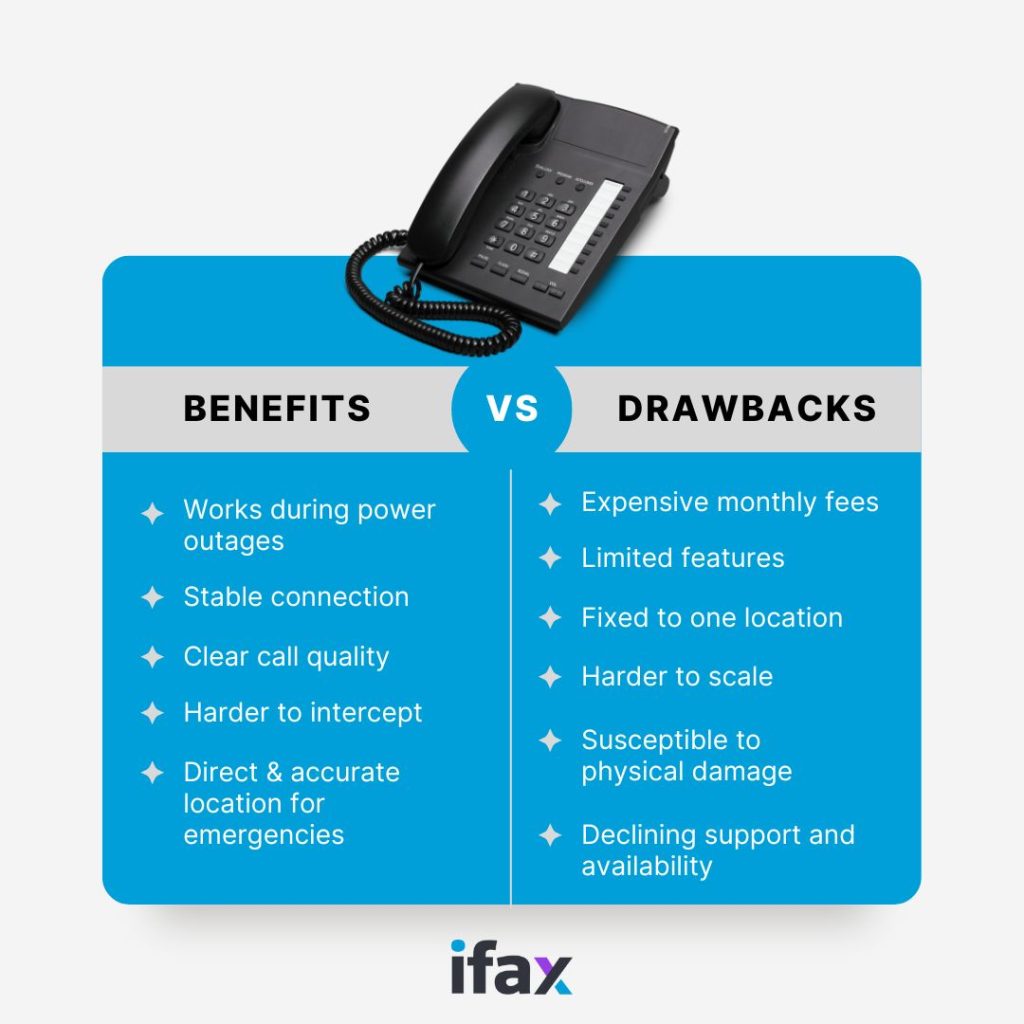
- Better reliability: Landlines provide a stable and consistent connection, unaffected by issues like weak mobile signals or internet outages. Unlike mobile phones, landlines don’t require charging, ensuring they are always available for use.
- Clearer call quality: Landlines typically offer clearer audio quality with minimal interference or dropped calls.
- Emergency access: Unlike mobile phones, which may have location-tracking limitations, landlines provide a direct and accurate location for emergency services (911 in the U.S.).
- Security and privacy: Landline calls are generally harder to intercept than mobile or internet-based calls, offering better security.
- Supports other devices: Some security systems, fax machines, and medical alert systems rely on landline connections to function properly.
Drawbacks of Traditional Landline Services
Unfortunately, businesses that insist on traditional landlines face several challenges as technology improves. This is why many are switching to mobile phones or VoIP. Here are some of the main disadvantages:
- High costs: Landline services are expensive, especially for long-distance and international calls. Businesses are also charged extra for maintenance and additional infrastructure.
- Limited features: Traditional landlines lack modern features like video calls, instant messaging, call analytics, and remote access that VoIP and mobile services offer. You can’t integrate them with business tools like CRM or cloud-based systems.
- Inflexible: Landlines are tied to a physical location, making it inconvenient for businesses with remote or mobile workers. Unlike mobile phones, landlines require users to stay in one place to answer calls. You can’t take calls outside the office without call forwarding (which may cost extra). This makes landlines unsuitable for modern businesses with remote or hybrid work setups.
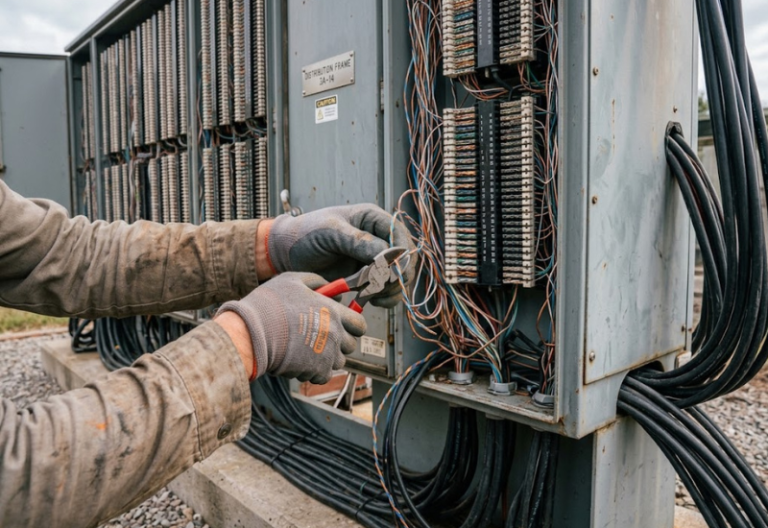
- Susceptible to physical damage: Traditional landlines can be affected by physical issues, such as damaged phone lines caused by weather, construction, or accidents. Repair and maintenance of copper lines are slow and expensive.
- Less scalability for businesses: Expanding a landline system requires additional physical lines and hardware, making it costly and time-consuming. VoIP systems, on the other hand, allow easy expansion with software-based solutions.
- Declining support and availability: Many telecom providers are phasing out traditional landline services in favor of VoIP, and fewer technicians specialize in maintaining landline infrastructure.
The Impending Copper Network Switch-Off
Unfortunately, landline services are gradually being phased out as telecom companies shift toward more modern digital infrastructure. The decline is largely due to the aging copper-based networks, which are expensive to maintain and less efficient than fiber-optic and wireless technologies.
Many providers are actively retiring their traditional landline services and replacing them with VoIP (Voice over Internet Protocol) or wireless-based solutions, offering more features at lower costs.
Landlines may offer a reliable backup, but their rising costs and impending obsolescence should make you reconsider better alternatives.
Read Further: Understanding the Impact of Copper Switch-off
Modernize Everything Else: VoIP and Online Fax
For most business needs, digital phone and fax services are more flexible and cost-effective than a copper line. With a VoIP system, you can get:
- Lower costs than traditional landlines, with lower monthly rates and minimal setup costs
- Advanced features like voicemail-to-email, call forwarding, and auto-attendants
- Scalability for adding and removing lines without expensive infrastructure changes
- Mobility and remote access for making and receiving calls from a mobile device or laptop
Fax is the piece that most businesses can move off the phone line first.
With iFax, your business can retire the fax machine and the dedicated line behind it. It’s a cloud-based online fax platform designed for healthcare teams and businesses migrating from POTS for fax.
Keep a landline only where equipment truly requires one, and move the rest to VoIP and online fax. Start for free or get a demo.
Frequently Asked Questions
Can you still get a landline phone without Internet?
Yes. You have two options. A traditional copper landline needs no Internet, but it is sold to new customers only in limited areas, such as parts of California through AT&T, and CenturyLink offers standalone service in some locations. A cellular home phone from providers like US Mobile, Ooma, AT&T, or Community Phone connects via cell towers and requires no wired or fixed Internet connection. Both work with the handsets you already own.
Can I send a fax over a landline without Internet?
That is possible, but fax machines work best on analog lines. Cellular and VoIP-based lines can drop or garble fax transmissions, and results vary by provider and equipment. If you only keep a fax line, an online fax service replaces both the machine and the line.
Are landlines being phased out?
Yes. Carriers are retiring copper networks because they are expensive to maintain. AT&T expects to complete its copper transition by 2029, and Verizon has asked the FCC to end copper phone service in portions of nine states, with customer notices citing a date of on or after November 30, 2026, subject to approval. Where copper is retired, customers are moved to fiber, cellular, or VoIP service.