


SEND
Enjoy iFax services at 50% off!
Your discount will be applied during checkout.
FAX BROADCASTING SERVICE COMPARISON
iFax enables faster, secure, and efficient fax broadcasting with AI-powered automation and API integration, while jBlast lacks the same level of advanced features.
Why businesses choose iFax over jBlast for sending fax broadcasts
Send broadcast faxes with enterprise-level encryption, keeping every document secure and compliant with regulatory standards.
Customize every broadcast fax with merge fields to deliver recipient-specific messages that boost engagement and campaign results.
Get fax campaigns up and running quickly. Less time on tedious campaign prep and more time making every broadcast count.
iFax VS jBlast
iFax | jBlast | |
Pricing | Subscription plans and broadcast rates starting around $0.01/page | Pay-as-you-go, about $0.06/page for USA, Canada, and the UK |
Security Features | 256-bit encryption, TLS, and two-factor authentication | 128-bit encryption with standard security |
HIPAA & Compliance | HIPAA-compliant, TCPA compliant BAA: Free, included in Pro & Enterprise plans | Supports HIPAA-compliant faxing BAA: Verify with vendor |
Fax Broadcast Capabilities | AI tools, automation, Fax API access, mail merge fields, scheduling, auto-retries | Fax merge fields, Mass fax sending with advanced settings |
Contact Management | Bulk CSV file uploads, custom lists | Basic recipient list management |
Reporting & Analytics | Detailed delivery reports and campaign analytics | Basic delivery reporting |
Customer Support | 24/7 support via chat, email, dedicated account manager for Enterprise customers | Email and phone support |
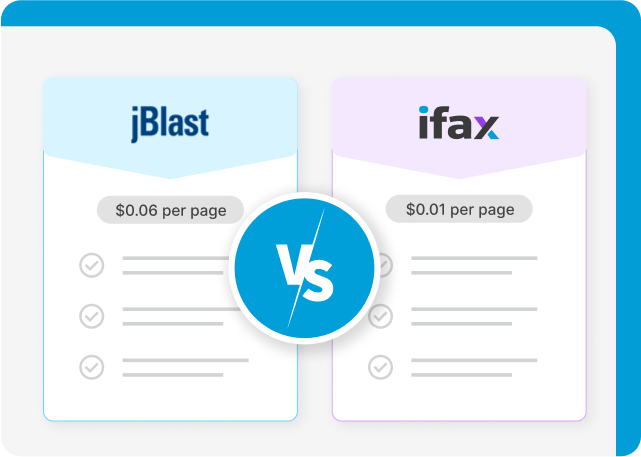
Compared to jBlast and other alternatives, iFax’s pricing for HIPAA-compliant fax broadcasts can get as low as $0.01 per page. There are no additional setup costs. Enterprises looking to run larger campaigns can save even more with volume-based pricing.
jBlast’s broadcast fax per-page rates vary by destination country. It also depends on the page category of your faxes; i.e., the standard page for sending fax broadcasts to the US is as low as $0.06, with an additional $0.02 per legal page.
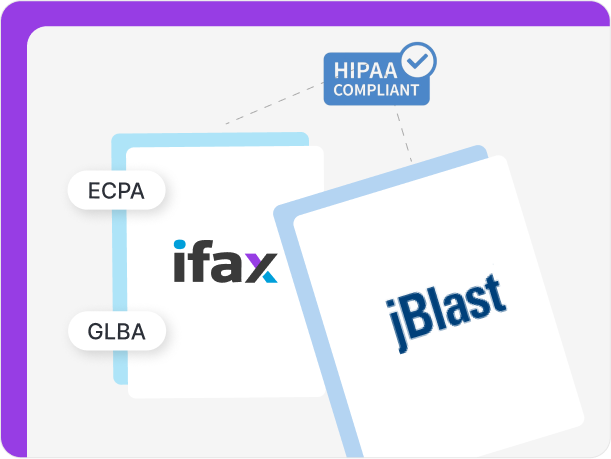
iFax secures protected health information (PHI) in fax blasts with industry-compliant broadcasting. Its customizable HIPAA cover sheets, free BAAs, and adherence to TCPA and GLBA ensure your data stays safe.
jBlast also supports sending HIPAA-compliant broadcast faxes. However, it doesn’t state whether it meets other specific industry regulations, such as GDPR and PCI DSS.
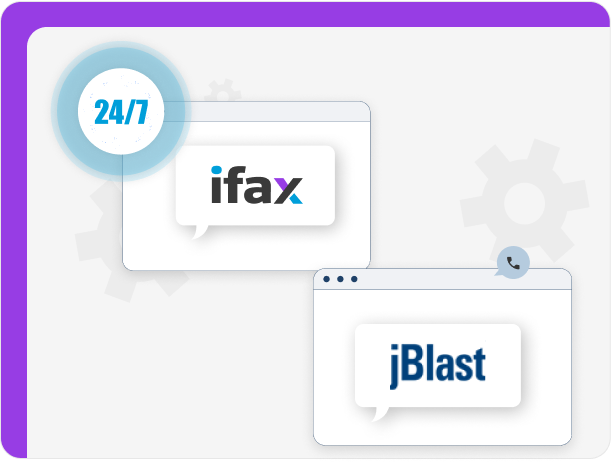
iFax offers 24/7 live support for fax broadcasting-related concerns through email, chat, or telephone, with dedicated account managers for enterprise customers. It also provides a free demo for its broadcast faxing feature.
jBlast does not offer 24/7 customer support. You can, however, reach out to them through email and phone.
“I could fax documents uploaded in my Google Drive easily thanks to ifax. The application is user friendly with easy functionality.”
The #1 Choice Among jBlast Alternatives
iFax makes the best jBlast alternative with its streamlined fax broadcasts. Set up tailored campaigns in minutes. Log in, select a broadcast list, upload documents, add mail merge fields, set your preferences, and click ‘Send’. Filtering and sorting recipients is fast and easy.
With jBlast, you can take complete control over the small details of your fax broadcasts. Also, its interface makes sending broadcast faxes a seamless and efficient process.
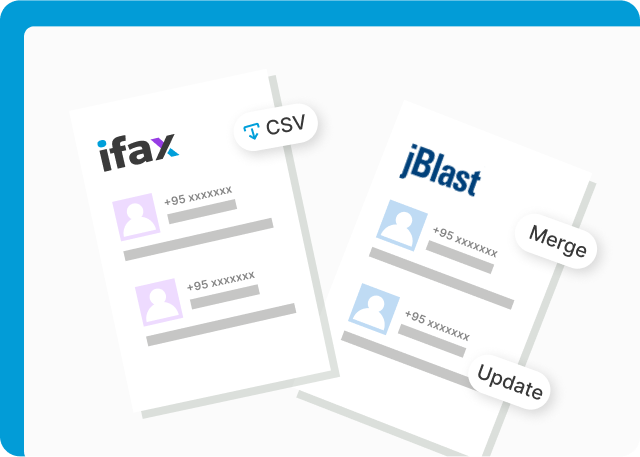
With iFax, you can easily add contacts in bulk and create multiple broadcast lists for different fax campaigns. Import CSVs to save time, and use custom fields to send personalized fax campaigns that resonate with your target recipients.
As for jBlast, it lets users manage contacts effortlessly by merging and updating lists. Teams can also broadcast the same fax to multiple lists at once for a faster, broader reach.
“It is cheaper compared to other providers, the ease of use and its design is very intuitive and easy to use. We personally take care of it a lot when it is necessary to solve a problem or unforeseen.”
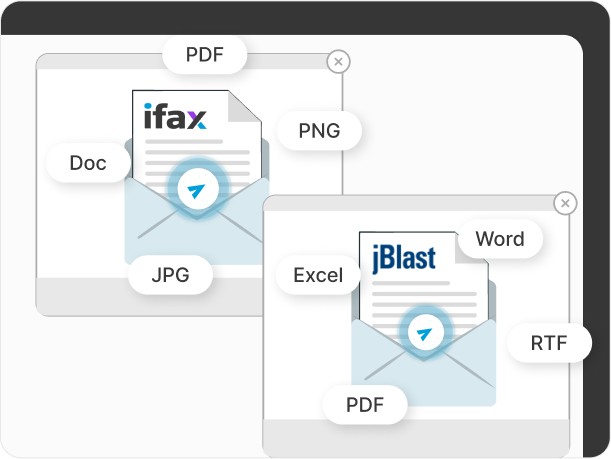
With iFax, you can send bulk faxes in several formats, including PDF, DOC, PNG, and JPG. There is no need to scan, print, or convert your files for web fax. You can also add multiple pages in a single fax broadcast, which is ideal for sending mass updates.
Like iFax, jBlast also supports different file formats, such as Excel, Word, TIF, and PDF files, but it lacks options for customizable fax templates.
“We have so many people using it and it’s very user-friendly. We have volunteers that are older, people that might not be super tech-savvy. It is easy to train people on it fairly quickly and they get the hang of it.”
Jared Walker, Founder
Dollar For.org
iFax lets you generate detailed fax reports for incoming and outgoing bulk faxes. From fax delivery to confirmation, you can view the status of your entire fax broadcasting process. Its analytics dashboard also lets you use filters to narrow down data and analyze specific aspects of your fax campaigns.
jBlast, on the other hand, has a statistical reporting feature, making it easier to monitor and analyze the success of each fax broadcast campaign. However, it lacks specific filters, limiting your ability to gain deeper insights.
“Great customer service! The Google Workspace integration has been great for our organization. Everyone likes it compared to our previous service.”
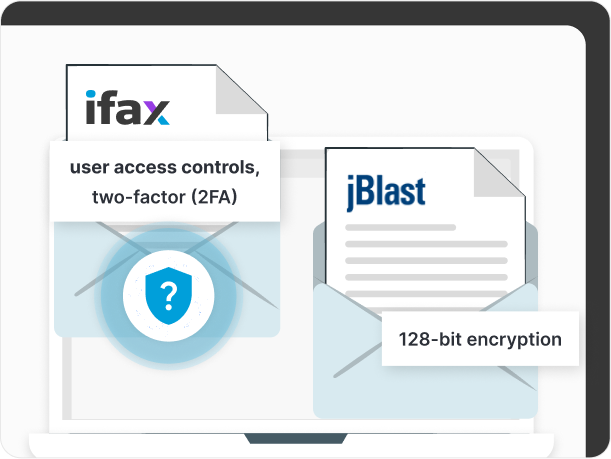
iFax protects all faxes with enterprise-level encryption, keeping your sensitive information secure. The platform also includes additional safeguards, such as 2FA and user access controls that prevent unauthorized access, giving teams peace of mind.
In contrast, jBlast uses 128-bit encryption to secure transmissions and automatically purges old faxes. While it provides basic protection, it lacks the layered security measures compared to iFax, leaving broadcast faxes less protected against potential threats.
Frequently Asked Questions
When comparing iFax and jBlast, iFax stands out with full HIPAA compliance for fax broadcasting, not just standard faxing. Unlike jBlast, iFax offers encrypted transmissions, audit trails, and secure storage, ensuring that broadcast fax campaigns meet regulatory standards. It also offers free BAA signing, making it the preferred choice for healthcare and other regulated industries.
Compared with jBlast, iFax offers more flexible, cost-effective plans for high-volume fax broadcasting. While jBlast charges per delivered page. Its rates vary by page size and destination.
iFax offers scalable packages and enterprise plans that lower per-page costs, making it ideal for businesses managing large broadcast campaigns with long-term growth in mind.
When comparing iFax and jBlast, both fax broadcast services support faxing PDFs, DOC, DOCX, and images (PNG, JPG, TIFF).
iFax’s cloud storage integration and QR code file transfers also enable more seamless document handling and file uploading, giving teams greater flexibility than jBlast.
Yes. iFax offers a free fax trial that lets users test features such as fax broadcasting, email-to-fax, and API integration. jBlast works immediately with its pay-as-you-go setup, making iFax the better option for teams evaluating broadcast capabilities without upfront costs.
Based on this jBlast comparison with iFax for broadcast faxing, the latter is better suited for non-technical users. Its intuitive interface, mobile apps, quick campaign setup, and automated scheduling simplify workflow, whereas jBlast often requires more manual configuration or technical know-how to manage large-scale broadcast campaigns.