To fax without a phone line, all you need is an Internet connection and an online fax service. The steps are simple: upload your document, enter the fax number, and send it from your computer, mobile, or email app.
Here’s how to fax without a landline using a method that works entirely online:
How to Fax Without a Phone Line
1. Use an Online Fax Service
The fastest way to send a fax without a phone line is to use a fax service that lets you send faxes over the Internet.
For this to work, you need to:
- Choose a reliable and secure internet fax service (e.g., iFax).
- Sign up for an account using your email or log in using your SSO credentials.
- Pick a plan. You can either start for free or pay for a monthly or yearly subscription that best suits your faxing needs and budget.
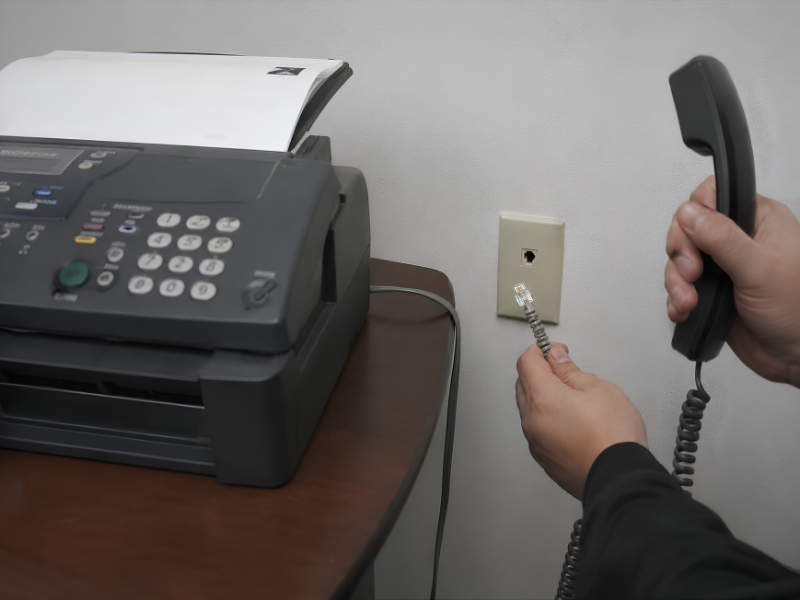
If you’re looking to use your existing physical fax machine to send faxes without a phone line, here are the steps.
iFax, a trusted online fax service, offers a practical, cost-effective solution for faxing over the Internet. It works on any device, eliminating the need for a phone line, and uses AES-256 encryption to secure online transmissions.
For HIPAA-covered entities, choose a healthcare fax solution that ensures secure, compliant transmission of sensitive patient information. The same applies to legal and financial organizations that handle confidential documents requiring strict data protection and regulatory compliance.
2. Choose How You Want to Send the Fax
You can fax directly from a web browser, use a mobile faxing app, or email it. Figuring out how to fax from computer without phone line involves several methods, and the best option often depends on workflow and business requirements.
- Browser: Web faxing does not require a complicated setup. All you need to do is open a browser, log in, and access your online dashboard. You can also access your faxes across multiple devices, regardless of whether you’re on Mac, Windows, iOS, or Android.
- Mobile: Offers convenience. Fax apps for phones let you send faxes and track your activities through email and in-app fax notifications.
- Email to Fax: Learning how to send a fax directly from Gmail or Outlook is almost the same as sending a regular email.
- Desktop: Many fax solutions support desktop faxing with minimal configuration. This method typically requires fax software or a print-to-fax driver installed on your computer.
3. Compose a New Fax Message
After logging in to your online fax dashboard:
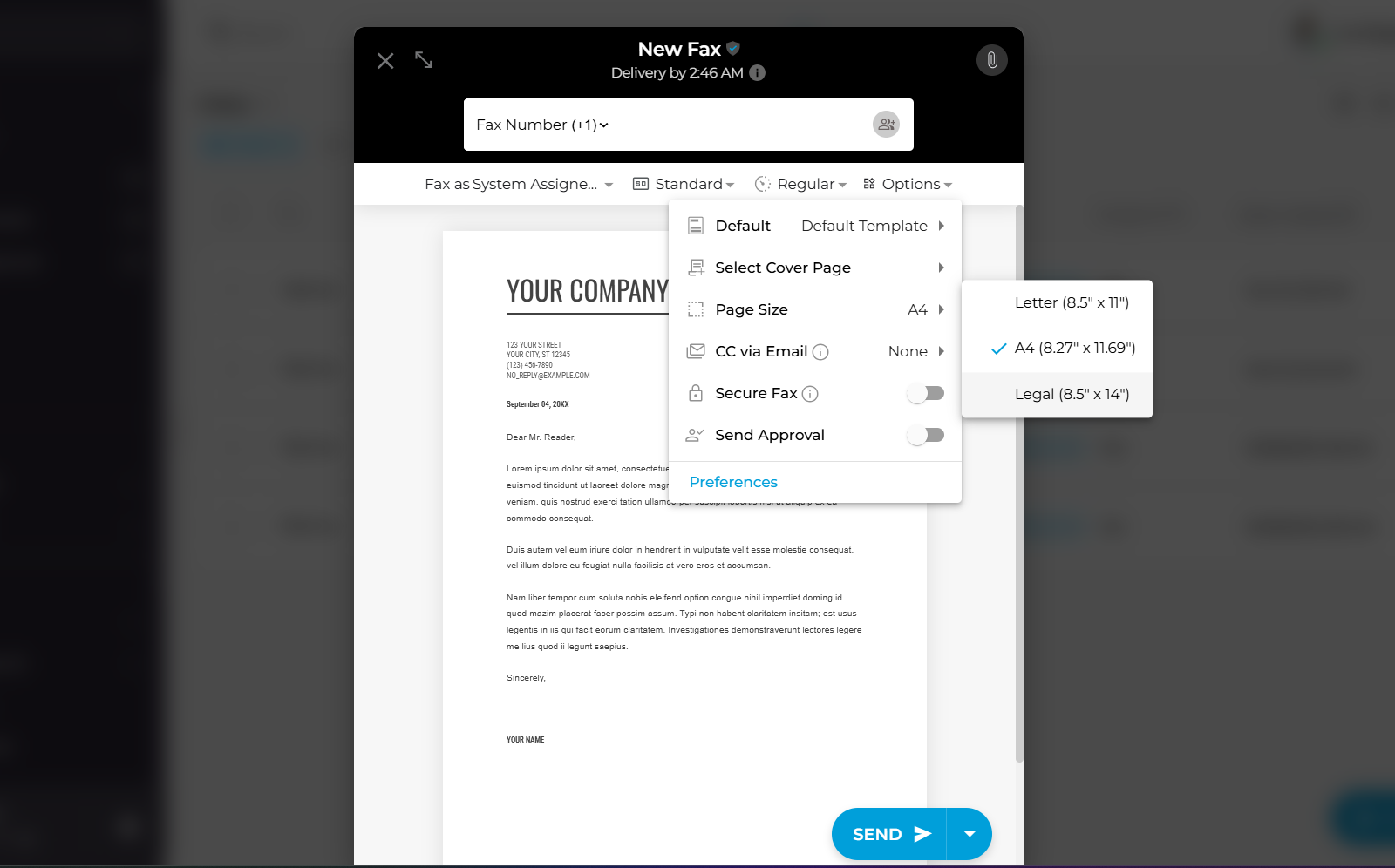
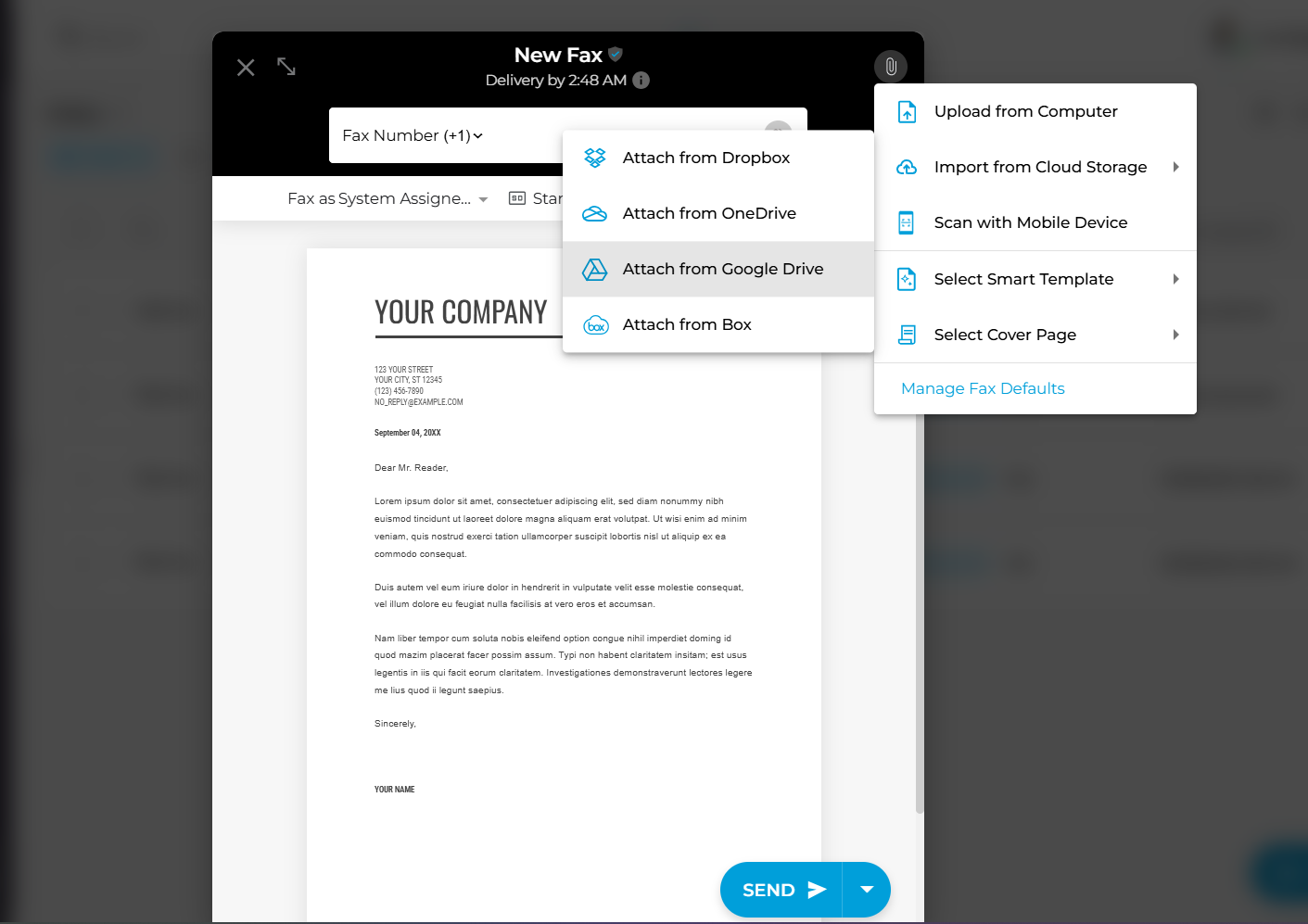
- Click New Fax to compose a message.
- Enter your recipient’s fax number and fill out the rest of the fields.
- Configure your fax to display your preferred page size and document resolution.
Pro Tip: Use a fax number validator tool to check whether your recipient can successfully receive a fax.
4. Upload the Document
- Drag and drop your document into the attachment box.
- You can also upload your file manually by clicking the Add Document button.
With iFax, you can fax documents in PDF, DOC, DOCX, JPG, and PNG image formats.
For files stored in cloud storage, you can directly upload them from Google Drive, OneDrive, or Dropbox.
5. Send the Fax
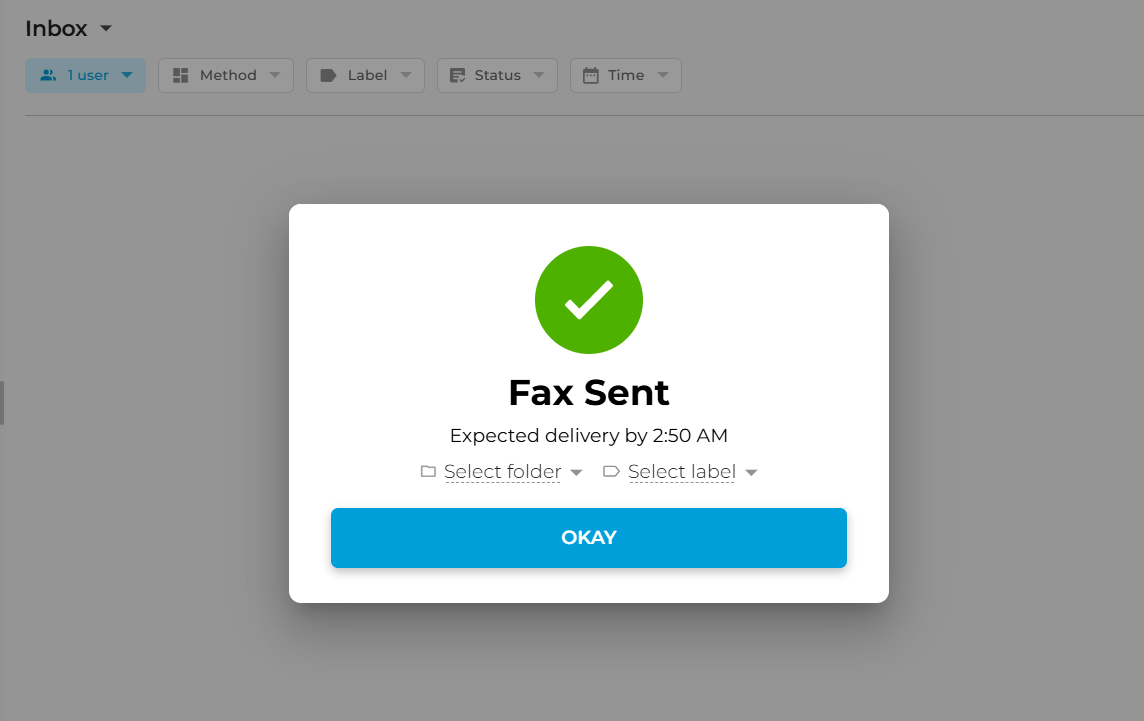
- Once everything is ready, click Send.
- From your dashboard, check the status of your outgoing fax.
- A successfully delivered fax should display a “Delivered” or “Completed” status.
You will also receive an email confirming the successful fax delivery.
To send a fax without a phone line, you can skip the hassle of heading out to a local fax center. Plus, it helps your business save on costs and resources.
Can You Use Your Existing Fax Machine Without Phone Line?
Yes. You don’t have to replace your physical fax machine to go landline-free. Just connect it to an Analog Telephone Adapter (ATA). It’s a small device that plugs into your router and provides a standard phone jack. Your machine sends faxes over your broadband connection instead of a copper line.
For this to work reliably, your VoIP fax provider must support the T.38 protocol, an ITU standard for carrying fax signals over IP networks.
Without T.38, fax tones get compressed mid-transmission, causing failures and garbled output. Even with T.38, VoIP fax success rates are only 85–92%, with network latency and packet loss further degrading reliability. That’s why high-volume, compliance-critical teams typically switch to an online fax service instead.
VoIP fax vs. online fax: Which is more reliable?
| iFax Online Fax Service | T.38 + ATA for Fax | |
| Requires fax machine | No | Yes |
| Requires hardware (ATA) | No | Yes |
| Transmission success rate | 99.99% | 85–92% |
| HIPAA compliant | Yes with Plus plans or higher | Depends on the provider |
| Monthly cost | From $12.49/month | $15–30 + ATA hardware |
| Setup complexity | None | Moderate |
| Works on mobile | Yes | No |
Bottom line: Do you need a landline to fax? Not anymore. VoIP Fax + ATA is a viable transition option if you need to keep your existing fax machine. But if uptime, compliance, and cost matter, an online fax service like iFax is the more reliable and cost-effective long-term solution.
Why Fax Without a Landline
Learning how to fax without a phone line saves your business time, money, and the hassle of maintaining outdated hardware. Other advantages include:
- Lower costs — No expensive landline bills and costly printing supplies. You pay only for the fax service itself.
- Better security — Documents are transmitted with enterprise-grade encryption and access controls, reducing the risk of unauthorized access compared to analog fax lines.
- Run your business anywhere — Your phone or computer becomes a portable fax machine. Send and receive faxes from any location with an internet connection.
- Organized records — Faxes are stored digitally, making documents easier to search, retrieve, and audit.
- Seamless integrations — Use API or Zapier to connect faxing directly to tools your team already uses, like Google Workspace, Microsoft 365, and HubSpot, without switching platforms.
Key Takeaway
You don’t need a phone line to fax. Modern online fax services let you fax over the Internet from a computer, phone, or even email. These solutions remove the need for traditional landlines and on-premise hardware while offering faster delivery and stronger security through encrypted transmission.
Can you fax without a landline? Absolutely. And with fax services like iFax, faxing without a phone line has never been easier.
Frequently Asked Questions About How to Fax Without a Phone Line
Can you fax without a phone line?
Yes, you can fax without a phone line by using an online fax service. These services let you send and receive faxes over the Internet using a computer, smartphone, or tablet, removing the need for a traditional fax machine or landline.
How do I fax without a landline?
You can fax without phone line by uploading your document to an online fax service, entering the recipient’s fax number, and sending it through the Internet. The service transmits your faxes digitally to a standard fax machine or fax system on the recipient’s end.
What is the best way to fax without a phone line?
The best way to fax without a phone line is through an online fax service. This method lets you send and receive faxes from any device, without a landline or fax hardware. It is faster, more secure, and more convenient than traditional faxing.
Can I fax using Wi-Fi only?
Yes, you can fax using Wi-Fi only as long as you use an online fax service. With an internet connection, you can upload documents and send faxes directly from your device without needing a phone line or cellular connection.
How much does it cost to fax without a phone line?
The cost of faxing without a phone line depends on your needs. Most services offer monthly subscriptions, yearly plans, or per-page pricing. In most cases, it is more cost-effective than paying for a phone or fax line because it eliminates landline fees and maintenance.
Don’t let a landline define how you fax. Switch to iFax for secure Internet faxing without a phone line. Start with a plan that fits your business.