To fax without a fax machine, you have three options: a mobile fax app, an online fax service, or email-to-fax. All three let you send and receive faxes from your phone, computer, or email. There’s no hardware, no phone line, and no trips to the nearest fax center.
It’s also more secure than faxing documents on shared office fax machines.
Table of Contents
How to Send a Fax Without a Fax Machine
You can send a fax without a fax machine using a mobile app, an online fax service, or your existing email account. All three methods are fast, secure, and require nothing more than an Internet connection.
Here’s a step-by-step breakdown of how to send a fax using these methods:
Send a fax from your phone (iOS & Android)
The most practical way to send a fax without a fax machine is to use a dedicated mobile app. It’s also the best option, especially if you want to fax something securely, like a signed form or health record.
Using your Android or iPhone camera, scan the physical document and upload it to the fax app.
Here’s how to send a fax from a phone using the iFax mobile app:
- Download iFax for Android and iOS.
- Launch the app, then tap Continue. It’s a prompt for a 7-day free trial. You can cancel anytime.
- Set up an account and get a free fax number.
- From the app’s main dashboard, click New Fax.
- Enter the recipient’s fax number and name. Don’t forget to include a subject line.
- Tap Scan or Add Document to attach your file. You can upload a document directly from your device or import it from a cloud storage.
- Once done, click Send.
Using your phone for faxing instead of a fax machine offers greater flexibility. It lets you send, receive, store, and manage faxes on your iPhone or Android device. You can literally fax from anywhere.
If you’re exploring how to send a fax without a fax machine, a fax app provides a faster way to fax entirely from your phone.
Fax from a computer using an online fax service
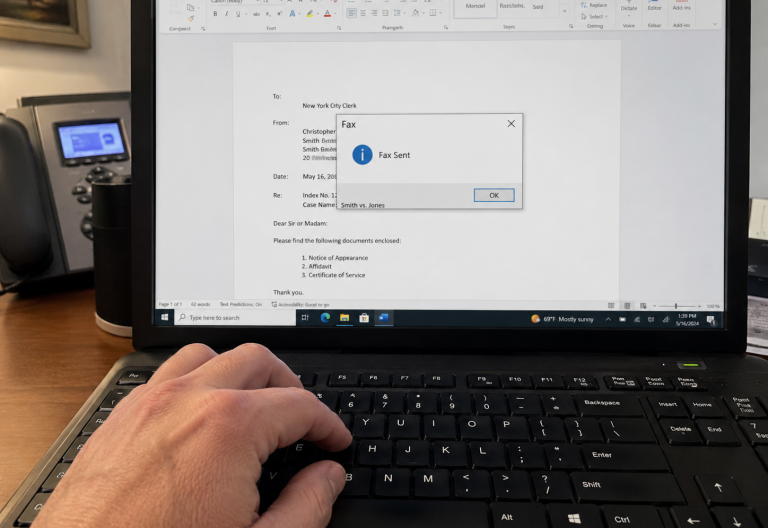
Learning how to send a fax from a computer without a fax machine is simple. All you need is an online fax service (e.g., iFax) that works as either a desktop app or a web-based platform.
With a desktop app, you can fax from Windows without browser cache issues that can disrupt tasks. With a web app, you can quickly send faxes from any browser without installing software.
Here’s how to fax without a fax machine using a computer:
- Visit the iFax website and sign up for a free account. After completing the registration process, you will see the main dashboard of the web app.
- Launch the fax software from your Programs menu or Start menu.
- Log in to your iFax account.
- Go to the left panel and click New Fax.
- Enter the recipient’s fax number and the rest of the required details.
- Click Add Document to upload the documents you want to fax.
- Click Send.
Send a fax directly from your email account
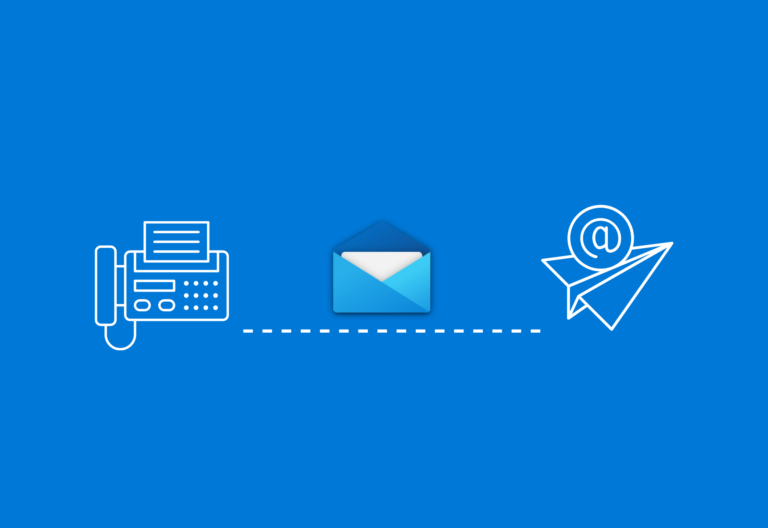
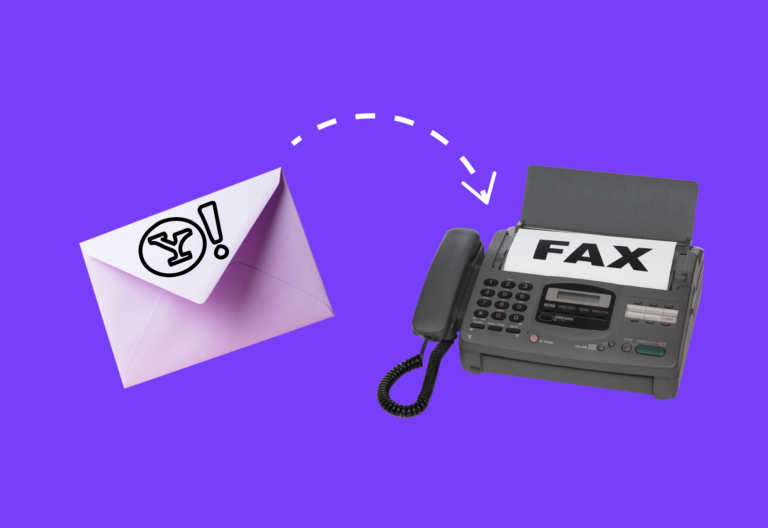
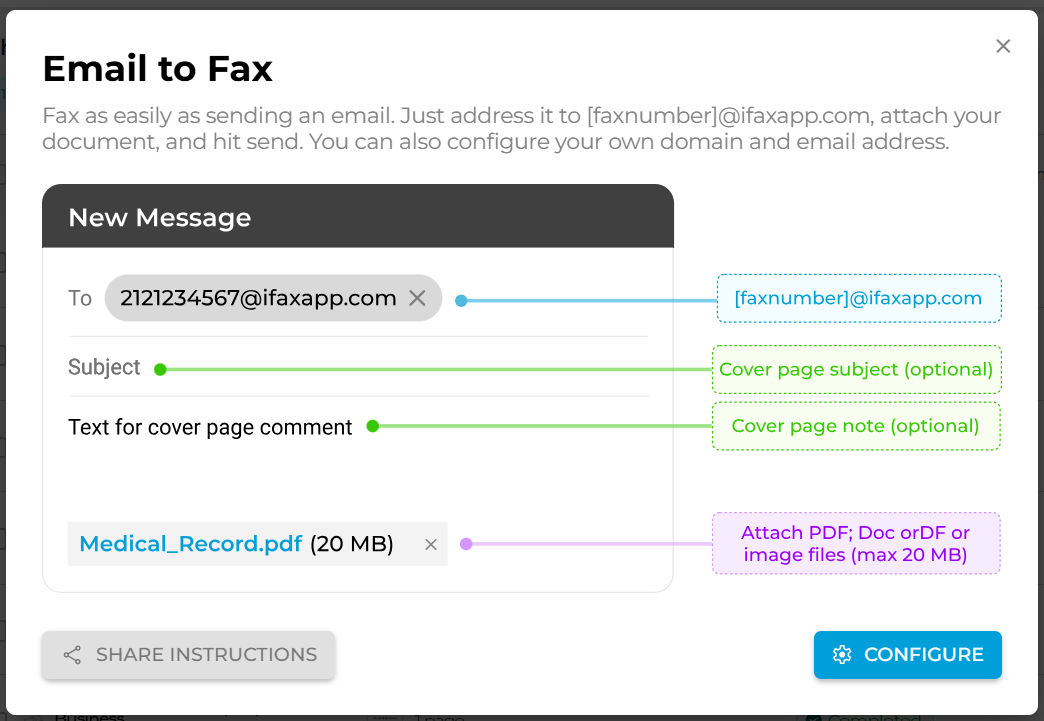
Use your existing email account (i.e., Gmail, Outlook, corporate email) to fax documents. This method works without a fax machine. What you need is an email-to-fax provider (e.g., iFax), then configure it to send emails as faxes.
Your fax provider will convert your document into a fax-compatible format. Recipients will receive a digital version of your document, which you can then view and download as a PDF.
Using iFax as an example, here’s how to send a fax via email:
- Open your Gmail, Outlook, Yahoo, or corporate email account.
- Compose a new email. In the “To” field, address the fax to [faxnumber]@ifaxapp.com. For example, 2121234567@ifaxapp.com.
- Include a cover page subject, and a cover page note if needed.
- Attach your documents as you would in a regular email.
- Click Send. You’ll receive an email notification once the fax is successfully delivered.
For corporate and business accounts, you can replace @ifaxapp.com by setting up your own custom domain. iFax also supports email-to-fax personalization, such as preserving HTML formatting in the email body.
Can I send a fax from Gmail?
Yes, you can use your Gmail account to send faxes via email. Just follow the steps for email faxing and upload your documents as file attachments.
Other ways to fax documents without a fax machine
Print to Fax
Instead of a desktop app, you can fax from a computer by installing a Print to Fax driver. This method lets you send faxes from any Windows application by pressing Ctrl+P.
Fax API and Integrations
Integrating fax capabilities into an existing software or application streamlines the faxing process. Usually, this works by configuring your system to route faxes through an API or integration (e.g., Zapier), so you can send and receive without ever leaving your existing platform.
How to Receive a Fax Without a Fax Machine
You don’t need a fax machine to receive a fax. What you need is a fax number from an online fax service. iFax automatically delivers incoming faxes to your phone, computer, or email inbox.
Get a free fax number
You need a dedicated fax number to receive faxes. Online fax services like iFax let you get one instantly without a phone line. There’s no paperwork or waiting time.
How to receive faxes on your phone
- Download a mobile fax app on your iPhone or Android device.
- Sign up and get a free fax number.
- Set your country, area, and desired number combination.
- Any fax sent to your number will appear directly in your app inbox.
- Tap the fax to view, download, or forward it.
How to receive a fax on your computer
- Log in to your online fax service from any web browser or desktop app.
- Go to your fax inbox. Any new message will appear as unread.
- View, annotate, or save the received faxes directly from your dashboard.
How to receive a fax via email
- Link your email account to your online fax service.
- Any fax sent to your assigned fax number is automatically forwarded to your email as a PDF attachment.
- Open, download, or reply directly from your Gmail, Outlook, or company email.
Do you need a phone line to receive a fax?
No. Online fax services route incoming faxes through the Internet, not a traditional phone line. This way, you can receive faxes from any sender, including those using a traditional fax machine, without owning one yourself or having a landline.
Key Takeaway
Using your phone, computer, or email is the fastest and most cost-effective way to fax documents. There’s no hardware, no unplanned trips to Staples, and no waiting. Compared to in-store fax machines, an online fax service offers better security, control, and flexibility.

How to Fax Without a Fax Machine (Frequently Asked Questions)
Do you need a fax machine to send a fax?
No. You can send a fax from any internet-connected device (i.e., phone, computer, or tablet) using an online fax service. You don’t even need a phone line, scanner, or printer. Platforms like iFax let you fax PDFs, scanned documents, images, and Word files via a mobile app, email, or web browser, making it a practical solution for businesses with remote teams.
What are the requirements for online fax?
The requirements for sending a fax online are simple:
- Any Internet-ready device (i.e., computer, phone, tablet, or laptop)
- Stable Internet connection (Wi-Fi or mobile data)
- An online fax service or mobile faxing app
How much will it cost you?
Some online fax services offer free fax numbers, while others charge a certain amount for setup, number porting, and additional pages. Many providers also offer free trial access for a limited period (e.g., 3 days or 7 days). Access to advanced features often requires a monthly or annual subscription.
How can I fax without a fax machine for free?
There are online fax services and apps that let you send a fax for free. The offer varies from completely free faxing to limited-time free access to Premium features.
iFax lets you try all its features free for 7 days, including a free fax number, so you can send and receive faxes right away.
Is it possible to fax without a phone line?
Yes. Online fax services route faxes over the Internet rather than a traditional phone line. When you sign up for a service like iFax, you can send and receive faxes from any Internet-connected device. You don’t need a landline or any analog telephone.
Start Faxing Without a Fax Machine Today
One machine shouldn’t bottleneck your entire workflow. iFax gives you everything you need to fax without a fax machine — a free fax number, multi-device access, email faxing, and a Fax AI that automates repetitive tasks.
Whether you’re sending a single document or managing high-volume faxing, iFax delivers every fax quickly, securely, and without the overhead of traditional fax machines.