Fax remains one of the most common ways healthcare organizations exchange medical records. It’s fast, widely accepted by providers and payers, and fits neatly into HIPAA’s security requirements when done appropriately.
This guide walks through exactly how to fax medical records the right way (in 8 steps) and answers the most common questions: whether you can fax medical records, how long the process takes, and whether cloud faxing is safe for sensitive patient documents.
On This Page
Can You Fax Medical Records?
Yes. HIPAA does not prohibit any specific transmission method, including fax, for sending protected health information (PHI). Under HIPAA, all covered entities and their business associates must implement “reasonable and appropriate” safeguards when transmitting information. The law does not mandate or prohibit a specific technology.
In practice, this means medical fax is still used every day for referrals, records requests, lab and imaging results, prior authorizations, and intake documentation. The question isn’t really whether fax is allowed. It’s whether your organization is following the safeguards that make it compliant. That’s what the rest of this guide walks you through.

Safeguards to Fax HIPAA-Compliant Documents
The HIPAA Security and Privacy Rules require administrative, physical, and technical protections for any PHI transmission, whether it’s through fax or other methods:
- Administrative safeguards: Policies governing who can send and receive PHI, in accordance with the minimum necessary standard.
- Physical safeguards: Controlled access to devices (i.e., fax machines and computers) and secure handling of printed documents.
- Technical safeguards: Encryption while in transit and at rest, access controls, and audit logging.
One safeguard that’s easy to overlook is the BAA or Business Associate Agreement. Any cloud fax service handling PHI on the covered entity’s behalf must sign a BAA. This is a legal requirement, separate from the security features a platform advertises. Ultimately, no online fax platform can guarantee HIPAA compliance on its own. Compliance depends on a combination of secure technology, documented policies, proper staff training, and the consistent adherence to those safeguards.
How to Fax Medical Records in 8 Steps
Here’s how to fax HIPAA-compliant medical records, step-by-step:
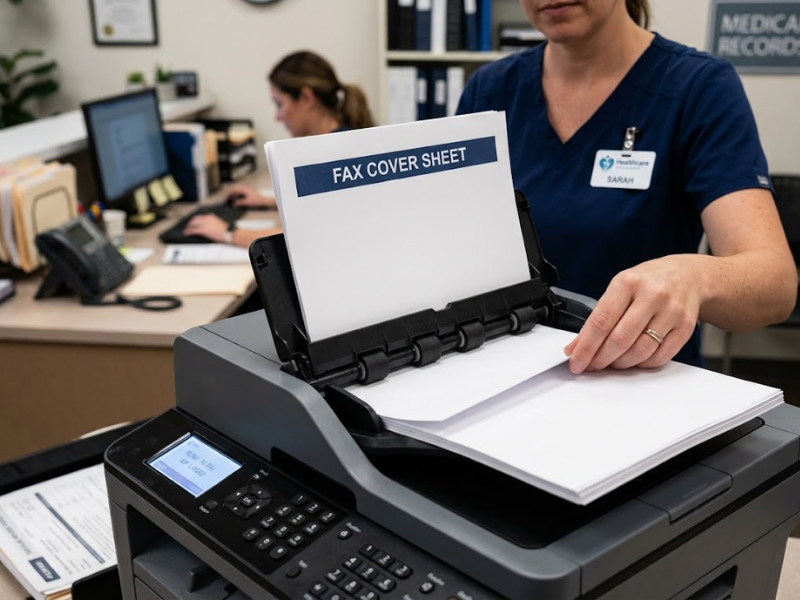
1. Always include a HIPAA-compliant fax cover sheet
Never include the patient’s name or other PHI on the cover sheet. Include the date and time of transmission, sender and recipient fax numbers, and a confidentiality notice or HIPAA fax disclaimer for unintended recipients.
2. Double-check your recipient’s fax number
Always verify the recipient’s fax number before clicking “Send Fax,” especially when faxing to new or infrequent contacts. Double-check for outdated numbers, missing digits, or other errors.
👉 Use our fax number validator tool to check
3. Confirm whether your provider signs a Business Associate Agreement
If you use a cloud fax service, a signed BAA isn’t optional. It contractually obligates the provider to protect PHI to the same standard to which your organization is held.
4. Send through an encrypted, cloud-based transmission line
Analog fax lines don’t encrypt data in transit. Online fax services like iFax provide enterprise-grade encryption for documents in transit and at rest, closing a gap that hardware-based machines can’t address.
5. Keep transmission logs and delivery confirmations
A paper trail, or better yet, a digital log showing exactly when a document was sent and confirmed as delivered, is a simple yet reliable way to demonstrate that the transmission reached the intended recipient.
6. Establish internal fax handling policies
Document who’s authorized to send and receive PHI by fax, and apply the minimum necessary standard. Only send what’s needed for the specific purpose.
7. Limit access and train your staff
Not everyone needs access to fax medical records. Role-based access, paired with periodic staff or employee training, reduces the risk of a data breach.
8. Secure storage and disposal of faxed documents
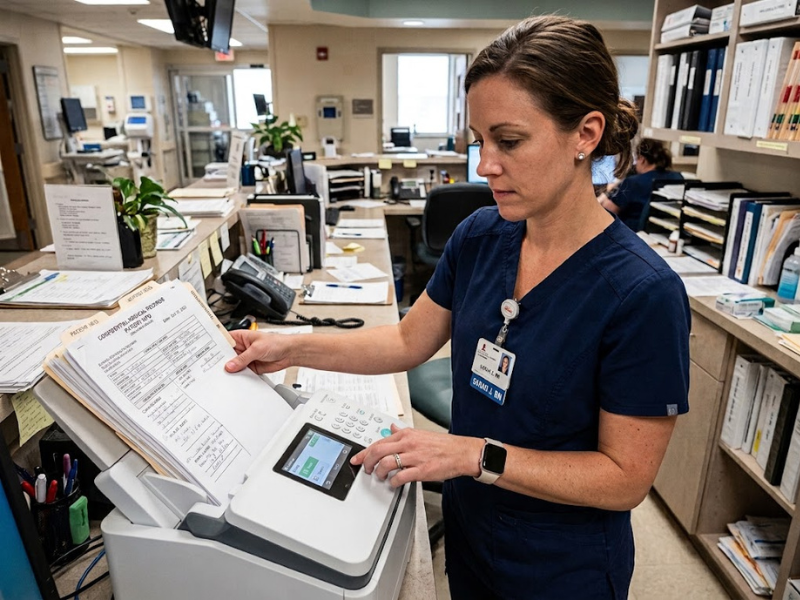
For physical machines, restrict access, store printed PHI securely, and shred documents once they’re no longer needed rather than tossing them in regular trash. For cloud platforms, apply a clear retention policy and enable auto-delete on your fax account so records don’t linger longer than necessary.
How Long Does It Take to Fax Medical Records?
This question has two different answers, depending on what you mean.
Transmission time
Medical records sent through a HIPAA-compliant fax service can typically be transmitted in under a minute per document, regardless of page count, with near-instant delivery confirmation. By comparison, analog fax machines may take several minutes to transmit each page, making multi-page documents significantly slower to send.
Request turnaround time
If you mean how long it takes to receive records you’ve requested, that’s governed by HIPAA’s Right of Access rule instead. Providers generally must fulfill a request within 30 days, with one permitted 30-day extension regardless of whether records are sent by fax, mail, or another method.
In practice, delays usually come from missing authorization forms, incorrect fax numbers, manual retrieval, and provider backlogs (not the transmission itself). Healthcare fax platforms with digital authorization capture and address-book verification can remove much of that friction.
Is Cloud Faxing Safe for Medical Documents?
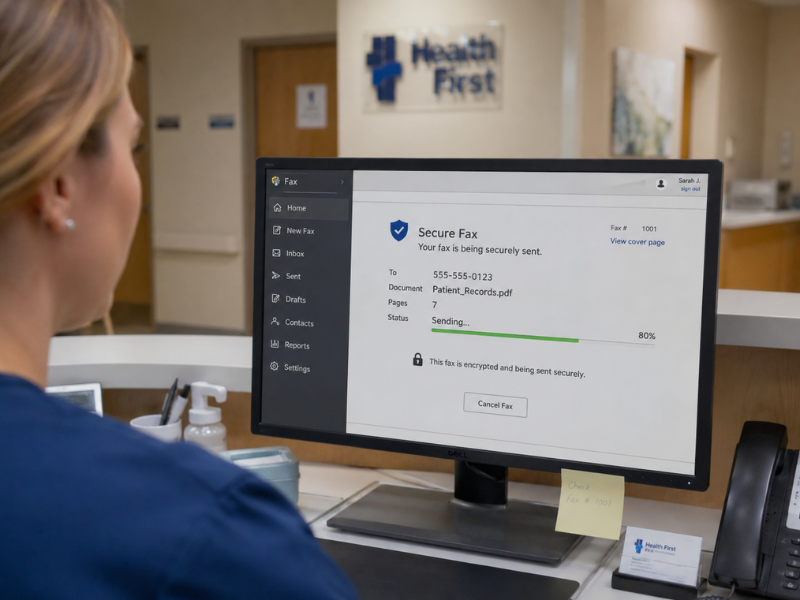
Yes, when the provider uses strong encryption, signs a BAA, and offers access controls and audit logging, cloud faxing can match or exceed the security of a traditional fax line.
|
Factor |
Traditional Fax |
Cloud Fax (e.g., iFax) |
|
Encryption |
None |
End-to-end encryption |
|
Physical exposure risk |
Documents left on machine |
No physical printout required |
|
Audit trail |
Manual, paper-based logs |
Automatic delivery and access logs |
|
BAA availability |
Not applicable |
Available with HIPAA-compliant providers |
HIPAA Rules for Faxing Medical Records: At a Glance
Pulling it all together, the HIPAA rules for faxing medical records aren’t a separate rulebook. They’re the same Security and Privacy Rule requirements applied to a specific transmission method.
This means: minimum necessary PHI, verified recipients, a BAA with any third-party fax provider, encryption when digital transmission is used, access controls, audit logs, and a clear internal policy. Fax is neither more nor less compliant than any other transmission method by default. It’s always the safeguards you put around it that determine compliance.
Frequently Asked Questions
Is faxing medical records a HIPAA violation?
Not by default. Faxing becomes a violation when safeguards fail, such as sending PHI to the wrong recipient or using a provider without a signed BAA.
Can you fax medical records without a fax machine?
Yes. Cloud-based healthcare fax solutions let you send and receive faxes from a computer, tablet, or phone without any physical hardware.
What should a HIPAA fax cover sheet include?
Date and time, sender and recipient fax numbers, and a confidentiality statement, but never the patient’s name or other PHI.
Choosing the Right Platform for Faxing Medical Records
Following proper steps gets you most of the way to a compliant fax process, but the platform behind it still matters. The right cloud fax provider should make the safeguards above easier to maintain, not something you have to build around manually.
iFax is built with these requirements in mind. Its 256-bit encryption, delivery confirmation, and auto-delete options are available by default, rather than requiring you to configure them from scratch. It also signs a BAA.
For organizations that regularly fax medical records, this makes it easier to maintain the technical aspects of compliance. At the same time, the administrative safeguards mentioned above (i.e., policies, staff training) remain the organization’s responsibility.
Sign up and get started with iFax today.