The best fax app for iPhone depends on the user’s needs and budget. Occasional users often prefer truly free iPhone fax apps, while businesses prioritize solutions that provide efficiency, reliability, and seamless mobile faxing at scale.
Ultimately, the best choice comes down to individual priorities and use cases.
What is the best free fax app for iPhone?
iFax is the #1 best fax app for iPhone. It’s free to download from the App Store and offers 7 days of free access to all its premium faxing features, which normally cost $33/month.
Table of Contents
Why Choose the Best iPhone Fax App
Faxing has come a long way in the past decade. However, it’s still one of the preferred communication tools in hospitals, banks, and financial institutions when sending important documents with sensitive information. With smartphones becoming an integral part of our everyday lives, it’s no wonder that mobile fax apps provide the convenience you need at work.
You can send and receive faxes with these iPhone fax apps without ever needing to search for “fax near me” or enter your office or go to a nearby outlet to use a fax machine. And best of all, you can send and receive them no matter where you are. If you have ever taken advantage of the convenience of email, then sending or receiving faxes with your iPhone will come naturally to you.
Fax apps allow your documents to be sent quickly without paper or toner wastage while eliminating the need for a dedicated fax machine. It is effortless and convenient, freeing you from the hassles of traditional faxing.
Best Fax Apps for iPhone to Compare Online
Turning your iOS device into a powerful online faxing tool is easy as long as you choose a secure, reliable, and reputable fax app. Below are our top five picks for sending and receiving faxes using an iPhone.
iFax | Fax.xyz | MyFax | MetroFax | FaxBurner | |
Free Fax Apps on App Store | Available on iOS, Web app works on Safari and other mobile browsers | Available on iOS, and online web application | iOS app available, requires paid subscription | iOS app available, paid-only service | iOS app with limited free tier for basic sending/receiving |
Ease of Use | Polished iPhone UX, business-ready workflows | Simple mobile-first setup | Easy, email-to-fax support | Clean but enterprise-style UI | Very simple, casual use |
Security | ⭐HIPAA-compliant, 256-bit encryption | Standard encryption | Basic security | Business-grade security | Secure but not HIPAA-compliant |
Advanced Faxing Features | Advanced workflows: scheduled faxing, bulk faxing, API access, OCR support, cloud sync, audit trails | Basic fax sending + receiving, fax workflow tools | Standard faxing with email-to-fax support | Reliable bulk faxing and scheduled sending | Basic send/receive functionality only |
Reliability | High uptime + delivery tracking | Good for casual use | Stable | Reliable and stable | Suitable for occasional fax users |
Ads/Restrictions | Ad-free, no daily page limits | Ad-free | Ad-free | Ad-free | Free tier limitations apply |
1. iFax
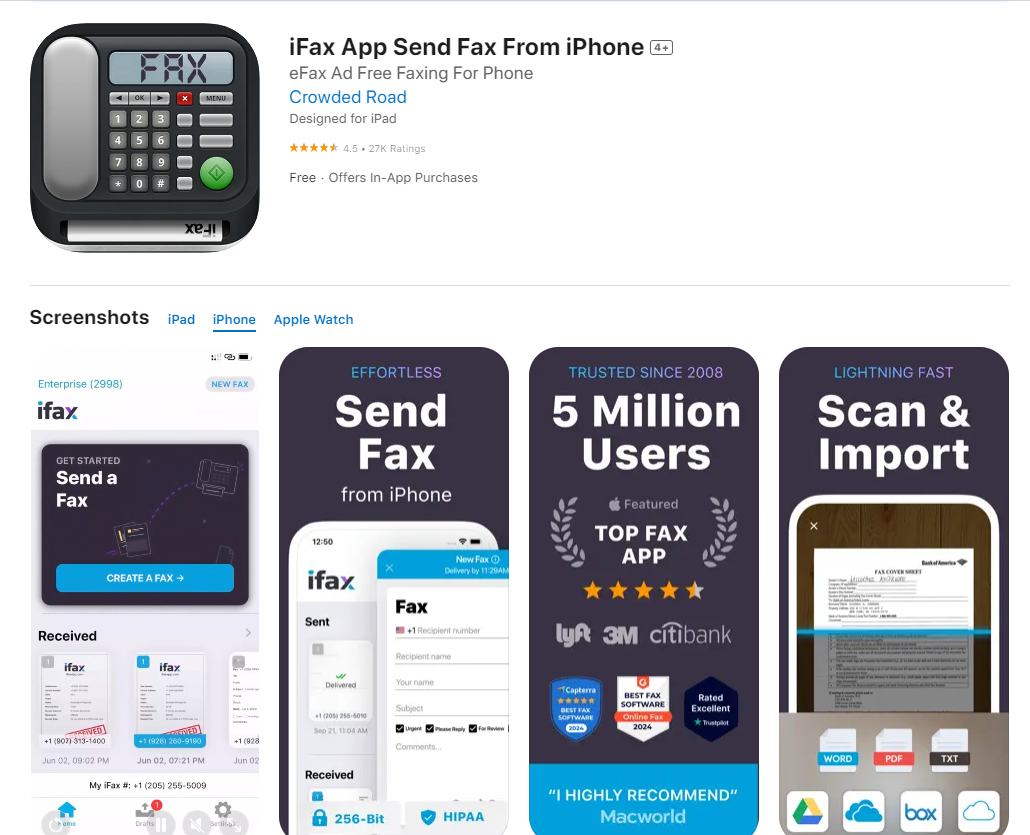
The best fax app for iPhone and iOS (Overall)
iFax is the top mobile faxing app for iPhone users seeking a secure, HIPAA-compliant solution. It lets you send and receive faxes over the phone that contain sensitive information. There’s no setup fee when you use its service. After signing up for a trial plan, you will immediately have full access to its PRO features, including fax broadcasting and faxing directly from Gmail or Google Workspace.
Its fax app for iOS lets you:
- Choose a local, international, and toll-free fax number
- Port an existing fax number for free
- Set up a dedicated company fax page
- Integrate faxing into CRM, EHR, EMR, and EMR systems
- Fax directly from email, Google Drive, OneDrive, or Dropbox
- Send, receive, manage, and automate faxes from Windows, Mac, Android, and iOS
- Request a Fax API test key for free
- Enjoy unlimited and borderless faxing without a phone line and fax machine
iFax offers the best free fax app for iPhone for businesses that value speed, reliability, and scalability.
2. Fax.xyz
Best for casual faxing on the go
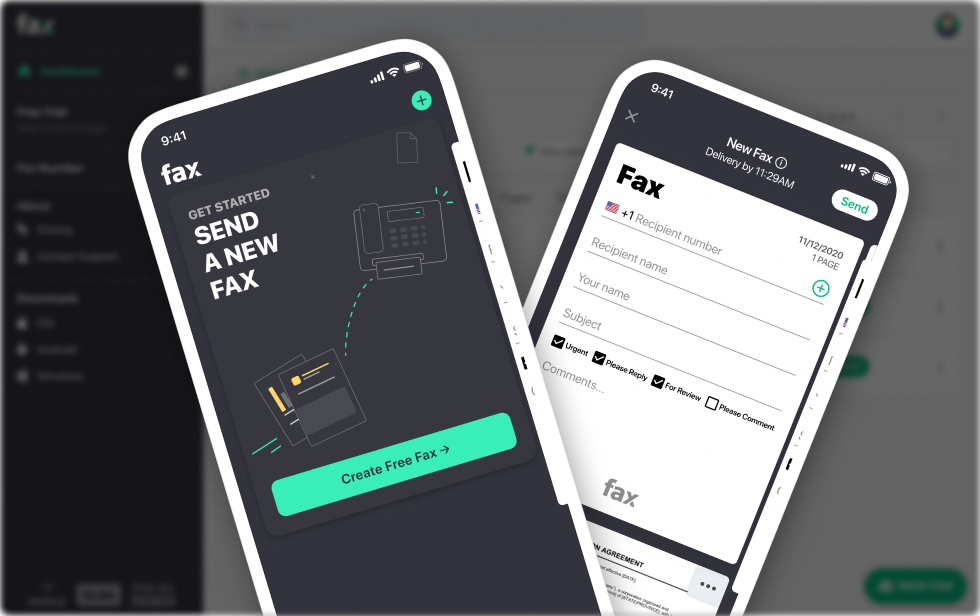
Using an iPhone as a fax device is possible with free apps on the App Store, such as Fax.xyz. Once you’ve downloaded the app, you can instantly send and receive faxes to any fax number, whether locally or internationally. The best part is you don’t need to pay for a separate phone line or connect your device to a printer or fax machine.
You can use its free iPhone fax app anytime as long as your device is connected to the internet.
3. MyFax
Offers easy faxing on the go
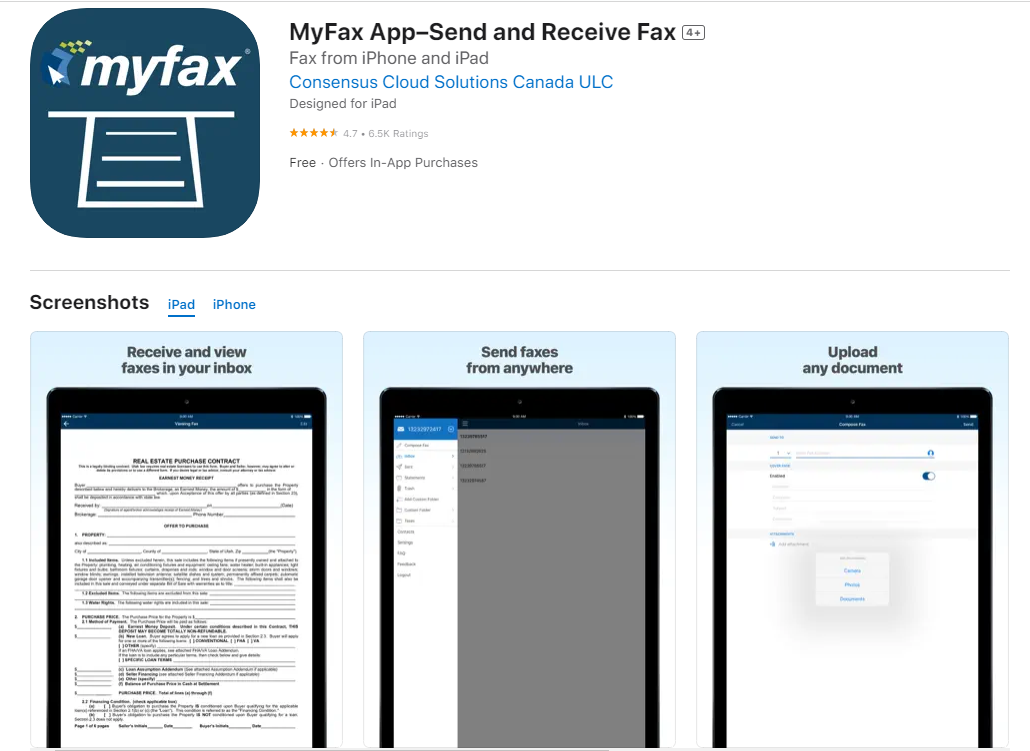
MyFax lets you send and receive faxes on iPhone, Android, Windows PC, and Mac devices. The monthly plan is lower than what other efax service offers, and you don’t have to worry about printing documents as you can scan them right away using the MyFax scanner.
For home use, the lowest plan lets you send 200 pages and receive 200 pages, costing you $10.00 a month. MyFax also supports the email-to-fax option, and you can use up to five different emails if you wish to use your existing email client to send a fax instead of its default iOS mobile application. It also has unlimited lifetime storage, so you can easily archive and manage your faxes in the cloud.
4. MetroFax
Affordable faxing with high page limits
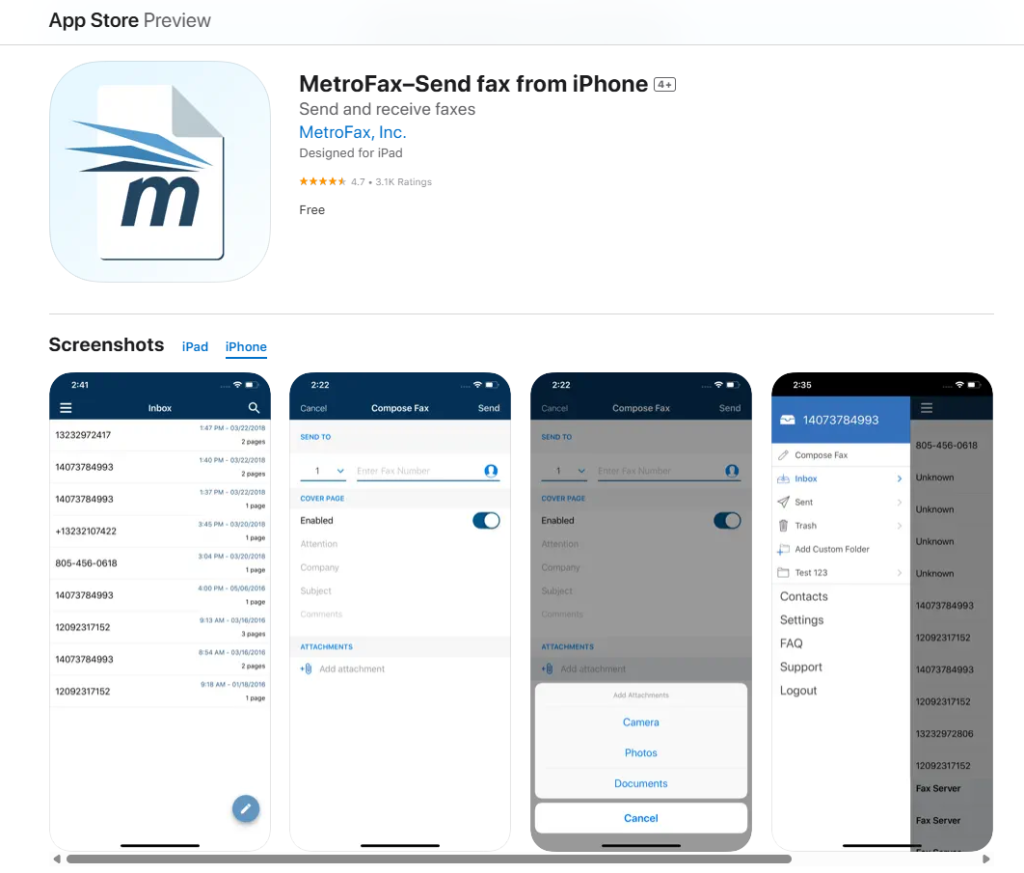
MetroFax is an excellent option for users who need a cost-effective yet feature-rich faxing service. It provides a simple and intuitive iPhone app that allows you to send and receive faxes effortlessly.
Pricing starts at $9.95/month for 500 pages (combined inbound and outbound). It has a user-friendly iPhone fax app that’s free with any plan. To start faxing, you can upload PDFs straight from your cloud storage or scan a document using your camera.
5. FaxBurner
Best for occasional fax users
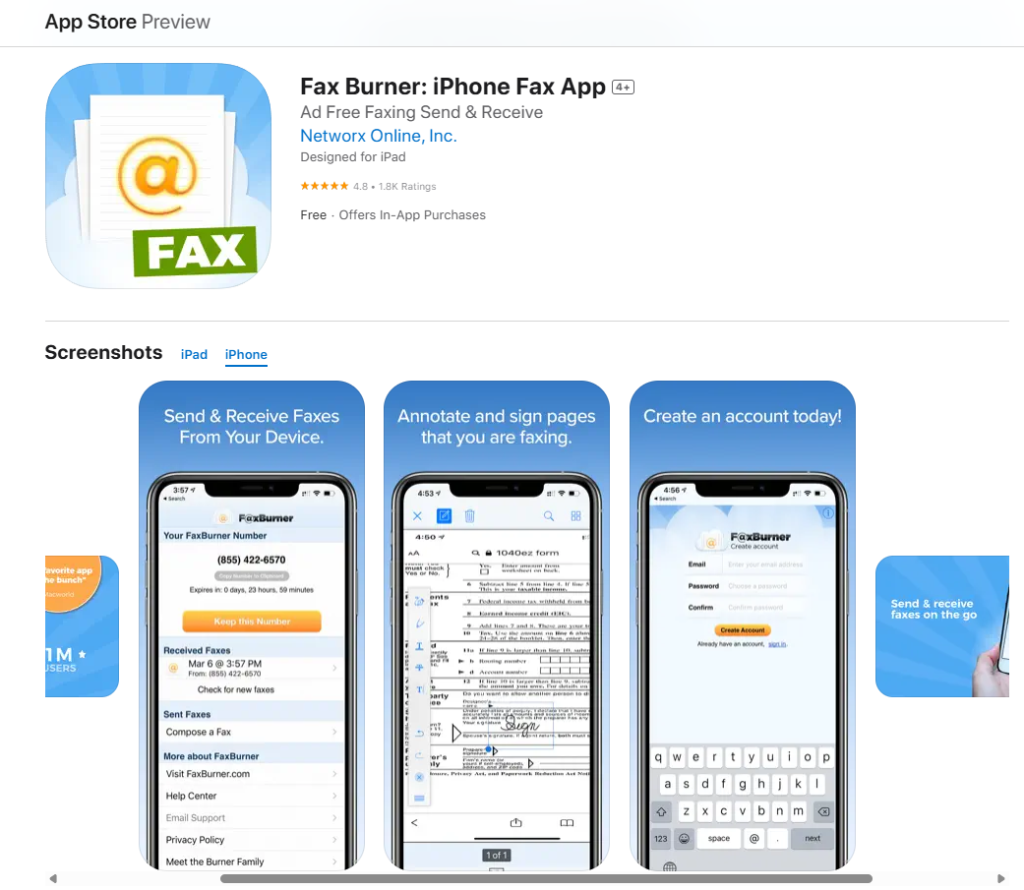
FaxBurner offers a free plan with 25 pages sent and 5 pages received per month, making it an excellent choice for users who only fax occasionally. The app assigns a temporary fax number for free users, while paid plans provide a permanent number.
It has a simple iOS app, email-to-fax functionality, and cloud storage integration. You can also sign faxes with an electronic signature and scan documents to turn them into fax files.
The best free fax app for iPhone
Of the five choices mentioned, you would want a fax app for iPhone that can offer you a bang for your buck without settling for a mediocre mobile faxing experience.
Comparing the features and pricing of the five fax apps above, iFax comes out as the best option since it offers the most comprehensive features for mobile faxing. It also uses military-grade encryption and advanced security protocols like 2FA authentication, activity logs, and user access permissions to secure your faxes.
It also works on other platforms and automatically syncs your data regardless of whether you’re faxing on your computer, mobile phone, or tablet.
How to Choose the Best Fax App for iPhone: Key Factors to Consider
Here are several things to consider when choosing an iOS fax app that would best suit your mobile faxing needs:
Pricing plans
Different fax apps provide a different range of plans and prices. Although most have a monthly billing option, some will charge you every time you use the service, so expect to pay extra.
Other providers may charge per page or offer multiple tiers depending on your needs. Take some time and compare the prices and results of faxing with each app before deciding which one to use.
Trial offers
Most iPhone fax apps provide a free trial option, which is a fantastic way to test the software before purchasing. However, double-check the conditions of your free trial carefully. Some providers will charge you if you fail to cancel the trial plan before the trial period ends.
Ease of use
How steep is the learning curve to get the app to work how you intend it to? The installation process may be seamless, but how the app functions after that will also determine its level of user-friendliness. While the iPhone is known for its intuitive interface, navigating the fax app you installed may require trial and error to maximize its capabilities.
Inbound and outbound faxing
Before choosing a phone app, read the publisher’s terms and conditions carefully to learn about its limitations, including how many incoming and outgoing faxes you can send.
Most fax services offer a specific number of faxes you can send and receive per month, ranging from 100 to 1,000 pages. Check how much you need to pay if you exceed the monthly limit. The service should provide you with a dedicated fax number that you can use for your faxes.
Cross-platform support
Faxing with an iPhone is becoming popular as most people find it more convenient and faster than sending faxes using traditional machines. The thing is, many users also use other devices that are not iPhones.
You must consider the app’s cross-platform functionality and see if it is also available on Android, Mac, and Windows platforms. An app that works seamlessly on any mobile device or computer would be ideal.
Encryption and security
If you need to fax sensitive data, choosing a fax app that encrypts your documents in transit and at rest is best. This security feature for iPhone is usually available in fax apps with advanced features, so you’ll need to read the full description on their website or the App Store store page.
You would also want to examine how the provider stores your data. It must include the security of customer information and how it protects your private and confidential documents.
Online cloud storage
Most fax apps let you store faxes in the cloud using popular services like Dropbox, Google Drive, and iCloud. This way, sharing essential files with others becomes much more manageable. Ensure that the fax app supports this feature. Its default online storage should also be capable of storing faxes in high-quality and large volumes.
Why iFax Is Your Go-to Fax App for iPhone
iFax is a go-to app for every iPhone user wanting to send and receive faxes from anywhere. It offers more efficiency and convenience than the traditional faxing process. With it, you can exchange important documents using only your mobile device. There is no need to rush back to your office simply to send a one-page fax with an urgent deadline.
If you want to fax effortlessly and worry-free, topped with top-notch security features and industry-compliant faxing capabilities, choosing to fax using iFax would be your best bet.
Experience the difference.
Learn how send a fax from your iPhone using iFax.